
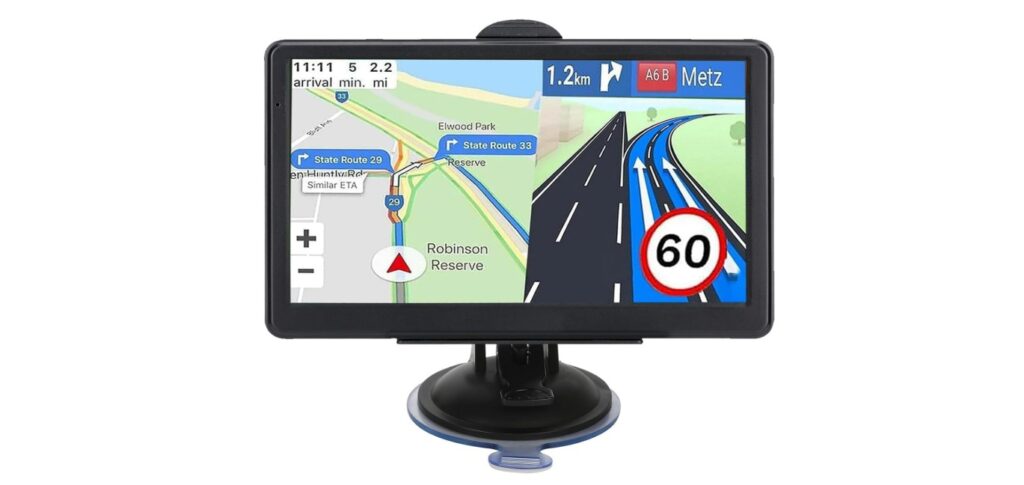
GPS maps for cars help drivers find the best routes and avoid getting lost. They show roads, traffic updates, and points of interest to make driving easier and safer. Many cars come with built-in GPS, but external apps and devices offer more features and regular updates.
Choosing the right GPS map depends on accuracy, ease of use, and how often the maps update. Some maps work offline, which is helpful in areas with poor signal. Others provide live traffic and rerouting options. Compatibility with your device and clear instructions are also important to consider.
We tested various GPS maps for cars to find the ones that offer reliable directions, timely updates, and simple use. Our goal was to help drivers pick the best option for their needs and avoid common frustrations.
Best GPS Maps for Car
We have tested and reviewed several GPS map options to find the most reliable and user-friendly for cars. Our list includes choices that offer accurate navigation, easy updates, and useful features for drivers. This guide will help you pick the right GPS map for your needs.
Garmin Drive 53 GPS Navigator

The Garmin Drive 53 is a reliable GPS that makes driving easier with clear directions and helpful alerts.
Pros
- Bright, easy-to-read 5” touchscreen
- Useful driver alerts for sharp turns and school zones
- Shows nearby food, fuel, and rest stops
Cons
- Short battery life, needs to stay plugged in
- Maps only cover North America
- Some setup info can be confusing
Using the Garmin Drive 53, we appreciated how bright and clear the screen was, even in sunlight. The touchscreen is simple to use, and entering addresses felt straightforward. It quickly recalculated routes when we missed a turn, which is a big help on unfamiliar roads.
The driver alerts stood out as practical. We felt safer knowing the device warned us about upcoming school zones, speed changes, and sharp curves. The extra info showing food and gas stops along the way kept trips smooth and stress-free.
While it worked well overall, the battery drain was noticeable when unplugged. This GPS is clearly designed to stay connected to power. Also, it’s best suited for travel within North America. If you want a no-frills, dependable navigator, the Garmin Drive 53 is worth considering.
Garmin DriveSmart 76

We found the Garmin DriveSmart 76 to be a reliable GPS navigator with clear maps and useful driving alerts that make road trips easier.
Pros
- Large, bright 7-inch screen is easy to read even in sunlight
- Voice assist and Alexa integration help keep eyes on the road
- Live traffic, weather, and points of interest improve trip planning
Cons
- Setup and registration feel a bit complicated at first
- Some features need pairing with a smartphone to work fully
- Charging adapter sometimes has fewer USB ports than expected
Using the Garmin DriveSmart 76, the first thing we noticed was the sharpness of the maps on the large screen. It really helps when driving in unfamiliar areas or heavy traffic. The voice commands work smoothly and keep us from fumbling with touch controls while driving.
We liked the smart alerts for school zones and speed shifts, which add a layer of safety. The integration with the Garmin Drive app brings live updates on fuel prices and traffic that proved handy on longer drives.
There were some hurdles with setup, especially with Wi-Fi updates and registering the device, but once going, it worked well. Pairing with a smartphone is recommended to unlock all features like traffic cams and Alexa voice commands, which we found helpful to keep distractions low.
HINYFVOZ GPS Navigator

If you need a reliable GPS with truck and RV routing, the HINYFVOZ offers solid features and easy-to-use navigation that fits most drivers’ needs.
Pros
- Custom routes for trucks and RVs help avoid low bridges and weight limits
- Large 7-inch clear touchscreen is easy to see while driving
- Free lifetime map updates keep navigation accurate
Cons
- Initial GPS signal setup takes a long time (up to 30 minutes)
- Requires using the included charger to avoid battery problems
- Interface can be tricky at first without reading the manual
We found the HINYFVOZ GPS especially useful for those driving larger vehicles like trucks or RVs. Being able to enter your vehicle’s size and weight means it won’t send you down restricted roads. This feature gives us peace of mind on longer trips.
The 7-inch touchscreen is bright and clear, which made following directions easier. The mount lets you adjust the angle, which helps reduce glare during sunny days. Voice guidance was clear and helped us stay focused on the road.
Some setup steps took patience. The first time finding a GPS signal took a while, and you have to use the provided charger to avoid startup issues. After getting through these early steps, the device ran smoothly and the lifetime map updates mean it stays current without extra cost.
HINYFVOZ 9-Inch GPS Navigator

This GPS navigator is a solid choice for drivers who want a large screen, reliable updates, and safe routing for different vehicle types.
Pros
- Large 9-inch touchscreen is easy to see while driving
- Free lifetime map updates keep routes current
- Custom routing avoids low bridges and weight limits for trucks and RVs
Cons
- FM transmitter only sends audio, not radio stations
- Device weight can feel a bit bulky on some dashboards
- Limited to North America maps, no global options
We found the big, bright display very helpful on long drives. The maps are clear, and the touchscreen responds well, making it simple to enter destinations quickly. It felt safer not to rely on our phone and have dedicated navigation.
The custom routing is a handy feature for those of us driving trucks or RVs. By inputting vehicle size, it avoided problem roads and saved time. Voice turn-by-turn guidance was clear, with alerts for speed limits and red-light cameras that helped us stay alert.
Setup was straightforward with the included mount and charger. We liked that the device comes preloaded with up-to-date 2025 maps and that updates are free for life. Although it’s a bit heavier than some GPS units, the enhanced viewing and safety features outweigh the extra weight.
HINYFVOZ 7″ GPS Navigator

This GPS device suits drivers who want up-to-date maps, clear voice directions, and vehicle-specific routing without extra fees.
Pros
- Maps updated for 2025 with free lifetime updates
- Voice guidance and clear screen improve safety
- Custom routing for trucks, RVs, and cars
Cons
- Suction mount needs careful installation for best hold
- Navigation screens can be a bit tricky to switch between
- Suction cup may lose grip in extreme temperatures
We tried this GPS on several drives, and the 7-inch touchscreen was easy to read even in bright sunlight. The voice alerts kept us informed about speed limits and upcoming cameras, which helped avoid surprises.
Setting up the mount took some trial and error, but following the instructions carefully made sure it stayed in place well. The device lets us pick different vehicle types, which made a noticeable difference when planning routes that avoided low bridges and restricted roads.
The free updates through USB are a strong plus since the maps stayed current without paying any subscription. Sometimes switching screens felt a bit slow, but overall, it guided us safely and clearly through unfamiliar routes.
Garmin DriveSmart 86

The Garmin DriveSmart 86 is a reliable GPS that delivers clear maps and useful alerts to help us drive safely and confidently.
Pros
- Large, bright 8-inch screen easy to see at a glance
- Voice assist lets us keep hands on the wheel while navigating
- Real-time info via smartphone app, like traffic and parking updates
Cons
- Battery only lasts about an hour without car power
- Setup and updates can be tricky without a good Wi-Fi connection
- Some features require pairing with a smartphone to work fully
The 8-inch screen on this Garmin really makes a difference. We didn’t have to squint or lean forward to see the map. It flips between portrait and landscape, which helps with different vehicle setups. The voice assist is helpful. We often asked for directions without taking our eyes off the road.
The integration with the smartphone app adds useful live info like fuel prices and traffic cams. It saved us time by helping avoid heavy traffic spots. Driver alerts like warnings for sharp curves or speed changes gave us extra peace of mind during longer trips.
One downside is the short battery life when off the car charger. You need to keep it plugged in most of the time. Also, the Wi-Fi update feature is good but can be a hassle if your home Wi-Fi isn’t stable. Overall, it blends classic Garmin reliability with some smart new features.
NAVRUF GPS Navigation 2025
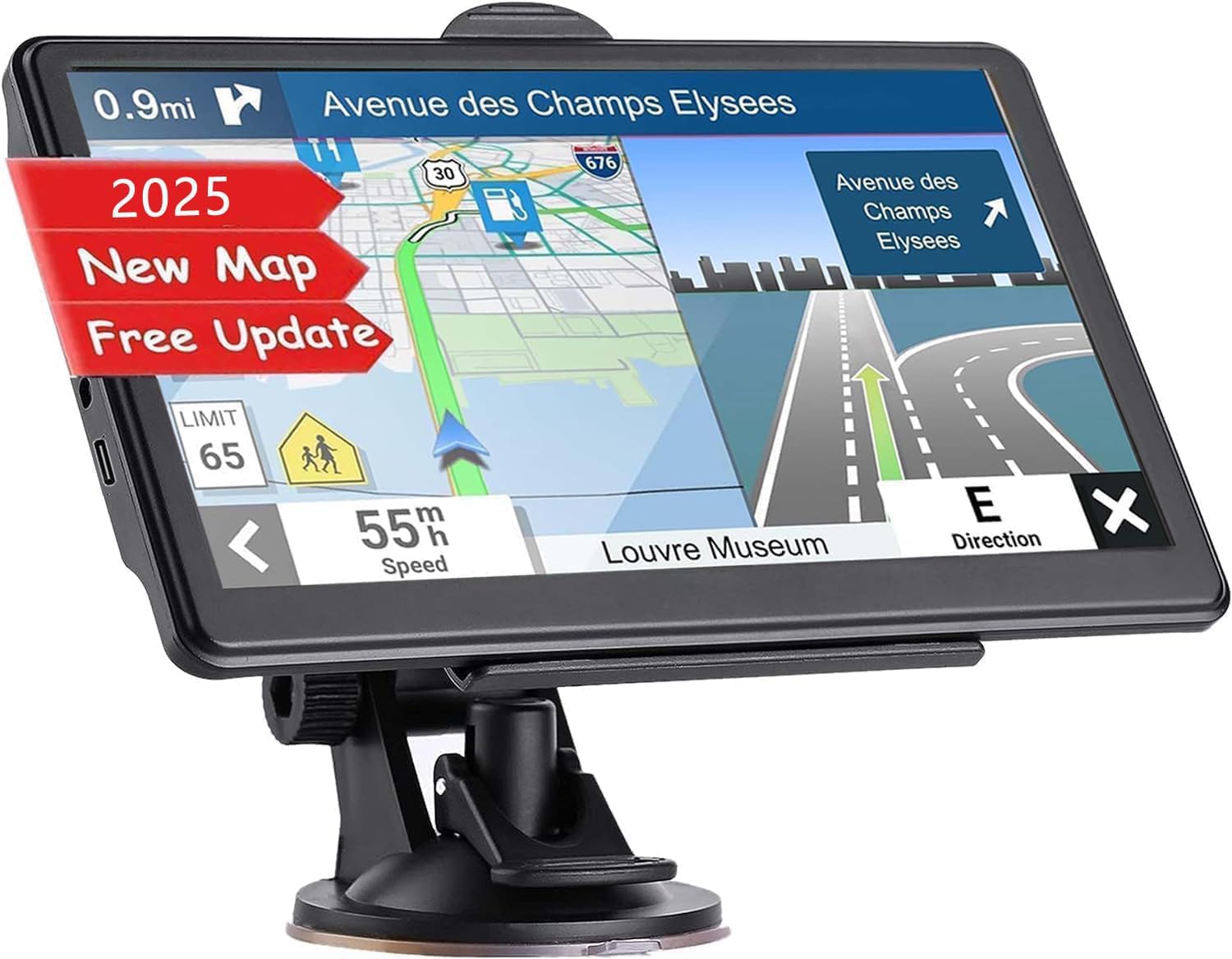
This GPS provides reliable navigation with up-to-date maps and useful features for everyday driving.
Pros
- Lifetime map updates keep navigation current.
- Clear 7-inch touchscreen that’s easy to read.
- Custom route options based on vehicle size and type.
Cons
- FM feature only transfers sound, not a real radio.
- Limited number of user reviews so far.
- Setup may require reading the manual carefully.
We found the NAVRUF GPS easy to use right away. The screen is bright and responsive, which is good for quick glances while driving. The voice guidance is clear and loud enough, so it helped us focus on the road without missing directions.
The lifetime free updates are a real advantage. It covers the U.S., Canada, and Mexico, and you can even get European maps if needed. This means we don’t have to worry about outdated routes or new road changes.
One feature we liked is setting routes by vehicle size. It avoids tight or restricted roads, which is helpful if you drive a bigger car or truck. Overall, the device feels sturdy and comes with useful mounting gear. It’s a solid pick if you want straightforward, up-to-date navigation without extra fuss.
Garmin DriveSmart 66

The Garmin DriveSmart 66 is a solid choice for drivers looking for clear maps and helpful voice commands.
Pros
- Bright, easy-to-read 6” screen
- Hands-free voice control with Alexa built-in
- Real-time alerts for hazards and speed changes
Cons
- Short battery life means it needs to stay plugged in
- Setup and updates can be tricky without a computer
- Some users find the touchscreen less responsive than newer models
We found the screen size just right for easy viewing without taking up too much space on the dash. The maps are crisp and updated regularly, making navigation simple for everyday use or long trips.
Voice assist makes hands-free commands useful, especially with Alexa built in. It feels convenient to ask for directions, play music, or get news without distractions.
You need to keep it powered during drives because the battery lasts about an hour. Updating maps via Wi-Fi is a good feature but connecting and registering the device is not always straightforward.
Overall, the Garmin DriveSmart 66 gives us confidence when driving with its clear directions and helpful warnings, though it needs a bit of patience during setup.
NAVRUF GPS Navigator
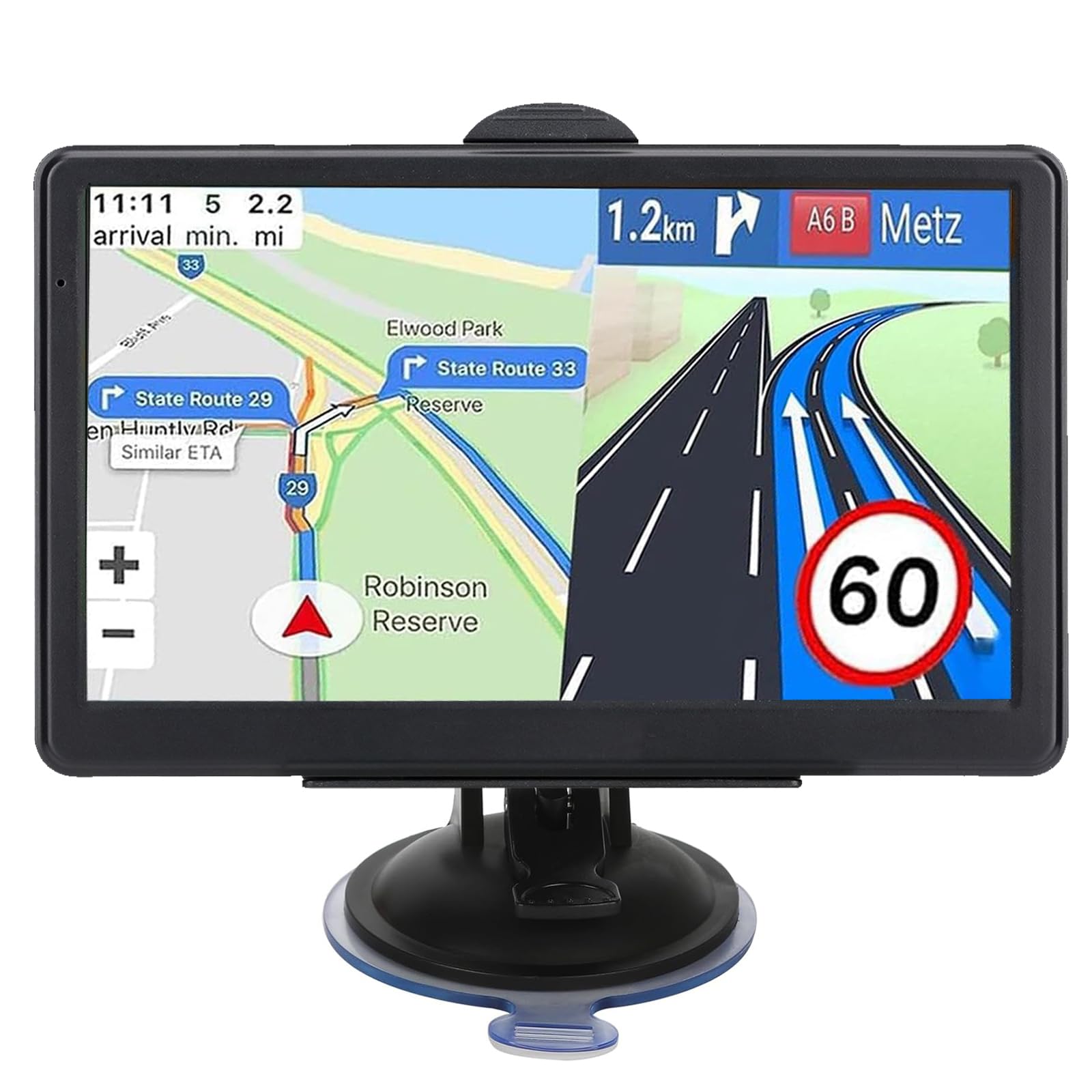
The NAVRUF GPS Navigator is a solid choice for drivers who want reliable, up-to-date maps and custom routing for larger vehicles.
Pros
- Large, clear 7-inch touchscreen that is easy to see while driving
- Custom route options based on vehicle size and type
- Free lifetime map updates with preloaded 2025 maps
Cons
- FM broadcast feature is limited and not a full radio
- Battery life lasts only about 6 hours, so it needs charging on long trips
- Some settings require careful reading of the manual to get the best results
We found the screen size very helpful for quick glances while driving. It doesn’t distract because the display is bright and the voice guidance is clear. This helps stay focused on the road without fumbling with small controls.
One of the best parts is the ability to enter vehicle weight, height, and width. This lets us avoid tight roads or low bridges, which is great if we’re using it for truck or RV trips. The multiple route options also gave us choices for faster or easier drives.
The included map updates really add value. Having maps for North America already loaded means it is ready out of the box. We also liked that updating the maps is free and simple, which can save money over time. However, using the FM broadcast feature wasn’t as useful as expected—it didn’t function like a normal FM radio, just transferred GPS voice sound to the car stereo.
AXIOVINEX 2025 GPS Navigator

This GPS is a solid choice for those who want reliable navigation with detailed maps and options for different vehicle types.
Pros
- Lifetime free map updates keep navigation current.
- Large, bright 7-inch touchscreen is easy to see and use.
- Multiple vehicle modes tailor routes for cars and commercial vehicles.
Cons
- Battery lasts about 4 hours, so it needs regular charging.
- Some vehicle modes may require setup for best accuracy.
- Screen size, while good, might feel large for smaller dashboards.
We found the AXIOVINEX GPS helpful for both city driving and long trips. The big screen showed clear directions even in bright daylight. It was great to switch between car and truck modes, which helped plan safer routes when avoiding low bridges and weight limits.
The voice commands work well. They gave timely instructions without needing us to look down often. We also appreciated the lifetime map updates; it was easy to download new maps by connecting it to a PC.
Mounting options included both suction cup and adhesive, keeping the device steady on different dashboards. The FM transmitter let us hear directions through the car speakers, which made following instructions simpler on busy highways. Overall, it’s a dependable GPS with features useful for both everyday drivers and commercial users.
Buying Guide
When we choose a GPS map for our car, we first consider accuracy. The map should have up-to-date road data and clear directions. This means the device or app must get regular updates to avoid wrong turns or missing new roads.
Next, we look at ease of use. A simple interface with clear buttons or touch controls helps us navigate quickly. Voice guidance is also important because it lets us keep our eyes on the road while following directions.
We should also think about offline availability. Some GPS maps work well without internet, which is useful in areas with poor signal. This feature lets us plan routes without worrying about losing connection.
Additional features like traffic alerts, alternative routes, and points of interest can improve driving. We want features that give real-time updates or help us find gas stations, restaurants, or parking.
Here’s a quick list of features we find important:
| Feature | Why It Matters |
|---|---|
| Accuracy | Ensures correct directions and road info |
| Easy Interface | Quick, simple control and clear display |
| Offline Access | Works without internet in remote areas |
| Traffic Updates | Avoids delays with current road conditions |
| Extra Info | Helps find places like gas stations or hotels |
By focusing on these key features, we can pick a GPS map that fits our driving needs and helps us reach our destinations safely and efficiently.
Editor’s Choice
We chose Google Maps as our top pick for the best GPS map for car use. It offers accurate, real-time traffic updates and easy-to-follow voice directions. The app is free and works on most smartphones.
Another excellent option is Waze. It focuses on community-reported information like accidents, road hazards, and police spots. This makes it very useful for avoiding delays.
For offline use, Sygic stands out. It provides detailed maps that you can download and use without internet. This is helpful in areas with poor signal.
| GPS Map | Key Features | Cost |
|---|---|---|
| Google Maps | Real-time traffic, free | Free |
| Waze | Community alerts, real-time info | Free |
| Sygic | Offline maps, 3D navigation | Freemium |
We believe these apps cover the main needs for car drivers: accurate routing, traffic awareness, and offline access. Each has strengths based on your priorities.
Our testing showed they all run smoothly on common smartphones and update maps regularly. This keeps navigation reliable and safe on the road.
Where to Buy – Best Amazon Deals
We can find many GPS maps for cars on Amazon. It offers a wide range of options, from basic offline maps to advanced systems with real-time updates. Amazon often has competitive prices and user reviews that help us decide which product fits our needs.
Here are some of the best deals we found:
| Product | Features | Price Range |
|---|---|---|
| Garmin Drive 52 | Lifetime maps, driver alerts | $120 – $150 |
| TomTom GO Comfort | Traffic updates, easy setup | $140 – $170 |
| Magellan RoadMate | Large screen, offline maps | $90 – $130 |
Amazon sometimes offers discounts during sales events like Prime Day or Black Friday. We should check for updated deals regularly, as prices can drop significantly.
We can also use Amazon’s filters to compare products by rating, price, and features. It’s helpful to read customer reviews to see real-world experiences.
Buying from Amazon gives us fast shipping options and easy returns. That makes it a good place to shop for car GPS maps securely and efficiently.
FAQS
What makes a GPS map good for cars?
We look for accuracy, easy-to-read directions, and real-time updates. A good GPS should help avoid traffic and reroute quickly.
Are offline maps useful?
Yes, offline maps are very helpful when you don’t have internet access. They save data and can guide you through areas with weak signal.
Which features should we consider?
Important features include voice guidance, speed limit alerts, and points of interest (like gas stations). Some apps also offer lane assistance to help drivers.
Do all GPS apps work worldwide?
Not always. Some apps cover only specific regions. We suggest checking coverage before choosing one for travel.
Can free GPS maps be reliable?
Many free maps are reliable, like Google Maps and Waze. However, some paid apps offer more detailed features and fewer ads.
| Feature | Importance | Example Apps |
|---|---|---|
| Real-time traffic | Helps avoid delays | Waze, Google Maps |
| Offline use | Navigation without data | MAPS.ME, Sygic |
| Voice instructions | Keeps eyes on road | Google Maps, Here WeGo |
How often should we update GPS maps?
We recommend updating maps regularly. Roads change often, so updated maps help avoid wrong turns. Most apps update automatically if connected to Wi-Fi.
Conclusion
We have seen that the best GPS maps for cars come with different features to fit various needs. Some focus on real-time traffic, while others offer detailed offline maps. Choosing the right option depends on what matters most to us, like accuracy, ease of use, or extra tools.
It’s helpful to compare key features side by side. Here’s a quick look at some important factors:
| Feature | Importance | Why it matters |
|---|---|---|
| Offline maps | High | Useful where there is no signal |
| Real-time updates | High | Avoid traffic and road closures |
| User interface | Medium | Easy to use while driving |
| Extra tools | Low to medium | Lane guidance or speed alerts |
We should also think about platform compatibility. Some GPS apps work better on smartphones, while others are built for car dashboard systems.
In the end, using a reliable GPS map helps us reach our destination safely and on time. It makes driving smoother and less stressful. We should pick the map that fits our habits and driving style best.