

Does Harbor Freight have OBD2 scanners you can trust? This guide answers that and shows which Harbor Freight OBD2 scanners are worth buying, how to use them, and how they compare to other brands. You’ll learn practical steps, tips, and troubleshooting to pick the right tool and read car codes like a pro.
Contents
- 1 Key Takeaways
- 2 Introduction: What you’ll learn
- 3 Quick overview: Harbor Freight and OBD2 tools
- 4 Step 1: Know what an OBD2 scanner does
- 5 Step 2: Decide what features you need
- 6 Step 3: Compare popular Harbor Freight OBD2 models
- 7 Step 4: How to buy smart at Harbor Freight
- 8 Step 5: How to use a Harbor Freight OBD2 scanner (step-by-step)
- 9 Step 6: Tips for getting accurate results
- 10 Step 7: Examples — Real scenarios where Harbor Freight scanners shine
- 11 Troubleshooting: When the scanner won’t work
- 12 Comparing Harbor Freight scanners to other brands
- 13 When to upgrade from a Harbor Freight OBD2 scanner
- 14 Final checklist before you buy
- 15 Conclusion: Is a Harbor Freight OBD2 scanner worth buying?
Key Takeaways
- Harbor Freight sells OBD2 scanners: They offer affordable models that read standard codes and clear check engine lights.
- Good for DIY basics: Harbor Freight OBD2 scanners work well for basic diagnostics and simple repairs.
- Limitations exist: Advanced features like live data graphing and module coding are rare or absent.
- Value vs. performance: For the price, Harbor Freight scanners offer strong value, but pros may prefer higher-end tools.
- How to choose: Pick a scanner based on vehicle compatibility, needed features, and ease of use.
- Step-by-step use: This guide includes a step-by-step walkthrough to read and clear codes, and tips on interpreting results.
- Troubleshooting help: If a Harbor Freight OBD2 scanner won’t communicate, the guide lists quick fixes.
Introduction: What you’ll learn
This guide answers one simple question: does Harbor Freight have OBD2 scanners worth buying? You will learn which Harbor Freight OBD2 scanners are best for DIY work. You will learn how to use them step by step. You will learn what they can and cannot do. You will learn how to troubleshoot them. The goal is to help you buy the right scanner and use it with confidence.
Quick overview: Harbor Freight and OBD2 tools
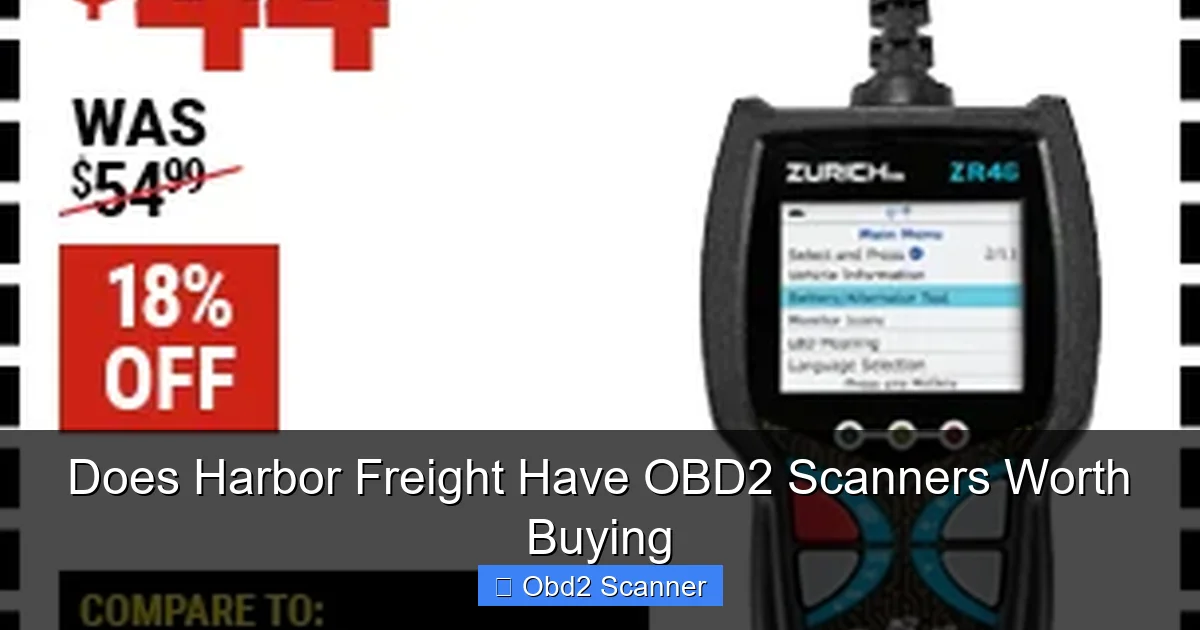
Harbor Freight sells a variety of automotive tools. That includes affordable code readers and OBD2 scanners. If you ask, “does Harbor Freight have OBD2 scanners”, the answer is yes. They often stock simple plug-and-play scanners. These devices are built for basic diagnostics. They read stored trouble codes. They can clear check engine lights in many cases. They are cheap and easy to use. But they can lack advanced features found in pricier models.
Visual guide about Does Harbor Freight Have OBD2 Scanners Worth Buying
Image source: hftcdn.b-cdn.net
Step 1: Know what an OBD2 scanner does
Before you buy, know what an OBD2 scanner will and will not do. This helps you decide if a Harbor Freight model fits your needs.
Visual guide about Does Harbor Freight Have OBD2 Scanners Worth Buying
Image source: hftcdn.b-cdn.net
What basic OBD2 scanners do
- Read standard trouble codes (P-codes)
- Clear CEL (check engine light)
- Display basic live data on some models
- Work on most cars made after 1996 (OBD2 standard)
What advanced scanners do
- Graph live data and freeze frame
- Read ABS, airbag, and transmission modules
- Perform component tests and adaptations
- Program keys or module settings
Most Harbor Freight OBD2 scanners cover the first list but rarely the second. So the key question, does Harbor Freight have OBD2 scanners good enough for you, depends on what you need to do.
Step 2: Decide what features you need
Pick features before you shop. This narrows choices and saves time.
Visual guide about Does Harbor Freight Have OBD2 Scanners Worth Buying
Image source: harborfreight.com
Feature checklist
- Basic code read and erase
- Live data display
- Freeze frame data
- PCM, ABS, SRS support
- Battery-powered vs. vehicle-powered
- Screen size and readability
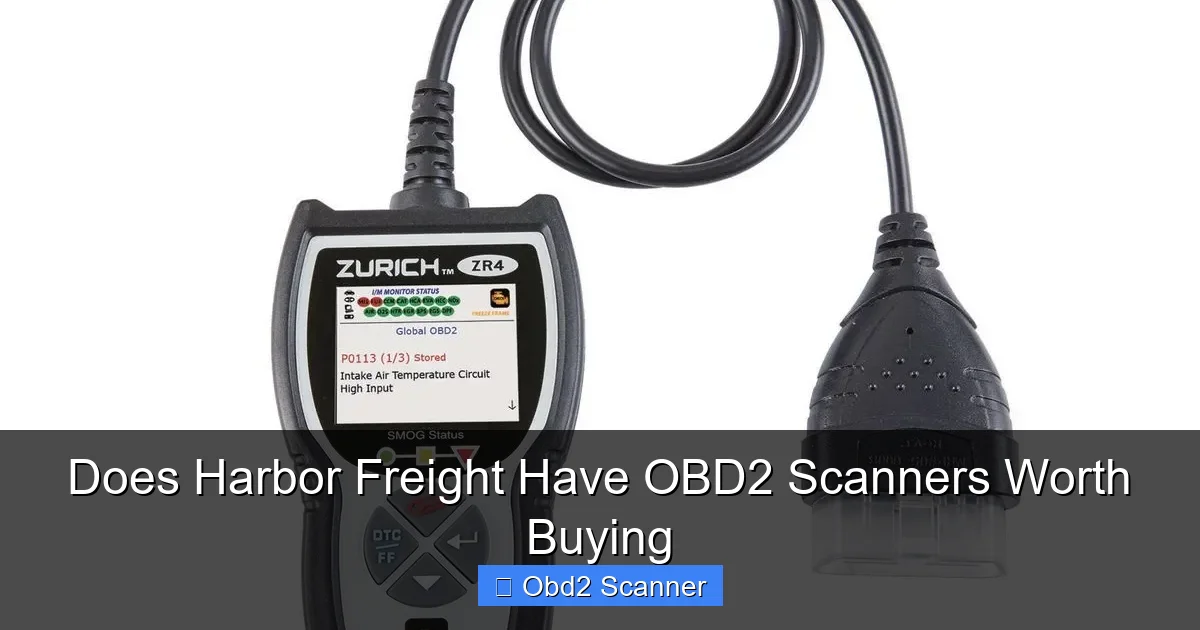
If you only need to reset a check engine light and read codes, a Harbor Freight scanner will likely work. If you need live data graphing or ABS diagnostics, check the specs closely. Repeat this question: does Harbor Freight have OBD2 scanners with these features? Often the answer is sometimes, but not for every advanced feature.
Step 3: Compare popular Harbor Freight OBD2 models
Harbor Freight sells a few well-known models over time. Names change, but the class is consistent. Look for product pages and user reviews in store and online. Here’s what to compare when you evaluate a Harbor Freight OBD2 scanner.
Price vs. features
- Lowest priced: Basic code readers. Good for quick checks.
- Mid-range: Adds live data and better screens.
- High-end at Harbor Freight: Less common, limited advanced diagnostics.
Build quality and warranty
Harbor Freight units can be plastic and light. They often include a limited warranty. For some users, the low price outweighs any rough feel.
Examples from user reviews
Many users say Harbor Freight scanners did the job for simple fixes. Others say they outgrew the tool quickly. The recurring question: “does Harbor Freight have OBD2 scanners that last?” The answer varies. For light home use, many last long enough. For heavy shop use, pros choose stronger brands.
Step 4: How to buy smart at Harbor Freight
Use these tips when you shop at Harbor Freight or online. They help you get value and avoid regrets.
Check the return policy
Harbor Freight often has a return window. Keep your receipt. Test the scanner in your car while still in the return period.
Look for sales and coupons
Harbor Freight runs frequent discounts. Use coupons to lower the price and improve the bargain.
Read the manual before you buy
Scan the spec sheet or manual online. It will list supported protocols and vehicles. Ask, does Harbor Freight have OBD2 scanners that support your vehicle? Check this first.
Step 5: How to use a Harbor Freight OBD2 scanner (step-by-step)
This hands-on section walks you through using a typical Harbor Freight OBD2 scanner to read and clear codes. The steps are simple and easy to follow.
Step A: Prepare your car
- Park on level ground.
- Turn off the engine.
- Locate the OBD2 port—usually under the dash on the driver side.
Step B: Plug in the scanner
- Insert the scanner plug into the OBD2 port firmly.
- Turn the ignition to the ON position. Do not start the engine unless the scanner asks for live data.
Step C: Power on and navigate
- Power on the scanner if it has a separate button.
- Follow menu prompts: select “Read Codes” or similar option.
- Note any error codes that appear (like P0301 or P0420).
Step D: Interpret codes
Write down codes and use the scanner manual or an online database to find code meaning. Some Harbor Freight OBD2 scanners show code definitions on-screen. If not, look up the code online.
Step E: Clear codes if appropriate
- Fix the problem first if you know it.
- Select “Clear Codes” to reset the check engine light.
- If the issue remains, the light may return and codes will reappear.
Step 6: Tips for getting accurate results
Here are simple tips to make the scanning process smooth and accurate.
- Use the scanner with a fully charged car battery. Low battery can cause communication errors.
- Make sure the vehicle is OBD2 compliant (1996+, most cars sold in the US).
- Read freeze frame data when available. It shows conditions when the code set.
- Check the vehicle’s repair manual for code-specific fixes.
- Keep firmware updated if your scanner supports updates. This improves compatibility.
As you work, you may still ask, does Harbor Freight have OBD2 scanners that read complex codes and module data? Most do not. Use Harbor Freight scanners for basic diagnostics, and consider a higher-end tool for deep diagnostics.
Step 7: Examples — Real scenarios where Harbor Freight scanners shine
Here are a few simple examples of common problems and how a Harbor Freight OBD2 scanner helps.
Example 1: Check engine light for a loose gas cap
Reader shows code P0455. You tighten the gas cap. Use the Harbor Freight OBD2 scanner to clear the code. Drive the car. If the light does not return, the fix worked.
Example 2: Cylinder misfire code
Code P0302 appears (cylinder 2 misfire). Use the scanner to confirm. Check spark plug and coil for that cylinder. Replace the faulty part. Clear the code and test drive.
Example 3: Oxygen sensor code
P0420 for catalytic efficiency may show. The Harbor Freight scanner identifies the code. Diagnosis may require more testing. The scanner helps you find the code quickly and decide next steps.
Troubleshooting: When the scanner won’t work
Sometimes the scanner won’t communicate with your car. Here are common causes and fixes.
No communication or “no response”
- Check the OBD2 port for bent pins. Clean if needed.
- Make sure the ignition is ON. Some cars require engine running for certain data.
- Try another car to rule out scanner failure.
Scanner shows errors or junk codes
- Reset the scanner and try again.
- Check battery voltage; low voltage can cause errors.
- Firmware mismatch: update the scanner if possible.
Scanner reads but can’t clear codes
- Some codes are stored in multiple modules. Clear main codes then follow up in specific modules if supported.
- Fix the underlying problem. Some lights return if the fault remains.
If these steps fail, contact Harbor Freight support or return the unit for exchange. This answers a common question: does Harbor Freight have OBD2 scanners backed by support? They typically offer basic customer help and returns.
Comparing Harbor Freight scanners to other brands
Price is the main difference. Harbor Freight scanners are cheap. Brands like Innova, Autel, and Snap-on cost more. They offer more features, durability, and support. Ask yourself what is more important: low cost or advanced features. For many DIYers, a Harbor Freight scanner covers basics and saves money.
Value proposition
- Harbor Freight: Low cost, basic function, good for occasional use.
- Mid-tier brands: Better coverage, live data, more durability.
- Top-tier pros: Full module access, coding, and advanced testing.
So when someone asks, does Harbor Freight have OBD2 scanners that rival pro tools, the short answer is no. But they do offer tools that handle common DIY tasks well.
When to upgrade from a Harbor Freight OBD2 scanner
Consider an upgrade if you need any of the following:
- ABS, SRS, transmission module diagnostics
- Live data graphing and logging
- Component activation or bi-directional control
- Advanced features like ECU coding or key programming
If you do frequent diagnostics or run a repair shop, a mid- or high-end scanner will save time and offer deeper insight.
Final checklist before you buy
- Confirm vehicle compatibility in the manual.
- Decide on must-have features.
- Test the device in-store if possible.
- Keep the receipt and warranty info for returns.
Conclusion: Is a Harbor Freight OBD2 scanner worth buying?
To answer the main question, does Harbor Freight have OBD2 scanners worth buying: yes, for many DIY users. These scanners are budget-friendly and handle basic code reading and clearing well. They are great for quick checks and simple repairs. For advanced diagnostics, module coding, or professional use, consider spending more on a capable brand. If you want a low-cost option to start learning automotive diagnostics, Harbor Freight is a solid place to begin.
Use this guide to choose the right model, use it properly, and troubleshoot common problems. In short: Harbor Freight has OBD2 scanners, and for many people, they are worth buying.