

Learn how OBD2 scanner works and use it to find car faults fast. This guide shows simple steps to connect, read codes, view live data, and clear trouble codes. By the end, you’ll know when to DIY and when to see a mechanic.
Contents
- 1 Key Takeaways
- 2 Introduction: What you will learn
- 3 Step 1: Understand the basics of OBD2
- 4 Step 2: Locate the OBD2 port
- 5 Step 3: Choose the right OBD2 scanner
- 6 Step 4: Connect the scanner
- 7 Step 5: Power on and initialize the scanner
- 8 Step 6: Read Diagnostic Trouble Codes (DTCs)
- 9 Step 7: Use code definitions and resources
- 10 Step 8: View live data and freeze frame
- 11 Step 9: Run readiness and emission tests
- 12 Step 10: Clear codes and test drive
- 13 Practical tips and examples
- 14 Troubleshooting common scanner problems
- 15 Advanced diagnostics tips
- 16 Safety reminders
- 17 Conclusion
- 18 Author
Key Takeaways
- Point 1: An OBD2 scanner reads a car’s computer to find stored fault codes and live sensor data.
- Point 2: Most cars have a standard OBD2 port under the dash for easy connection.
- Point 3: Knowing basic codes helps you decide if a repair is simple or needs a pro.
- Point 4: Live data from the scanner shows real-time sensor readings to spot issues fast.
- Point 5: Clearing codes can reset the check engine light, but fixes must be done first.
- Point 6: Simple troubleshooting steps help if the scanner won’t connect or shows no data.
Introduction: What you will learn
This guide explains how obd2 scanner works in simple steps. You will learn to connect a scanner. You will read trouble codes. You will watch live data. You will clear codes. You will learn what the codes mean. The guide shows tips and examples. It also covers common problems and fixes. Read on and get hands-on with your car.
Step 1: Understand the basics of OBD2
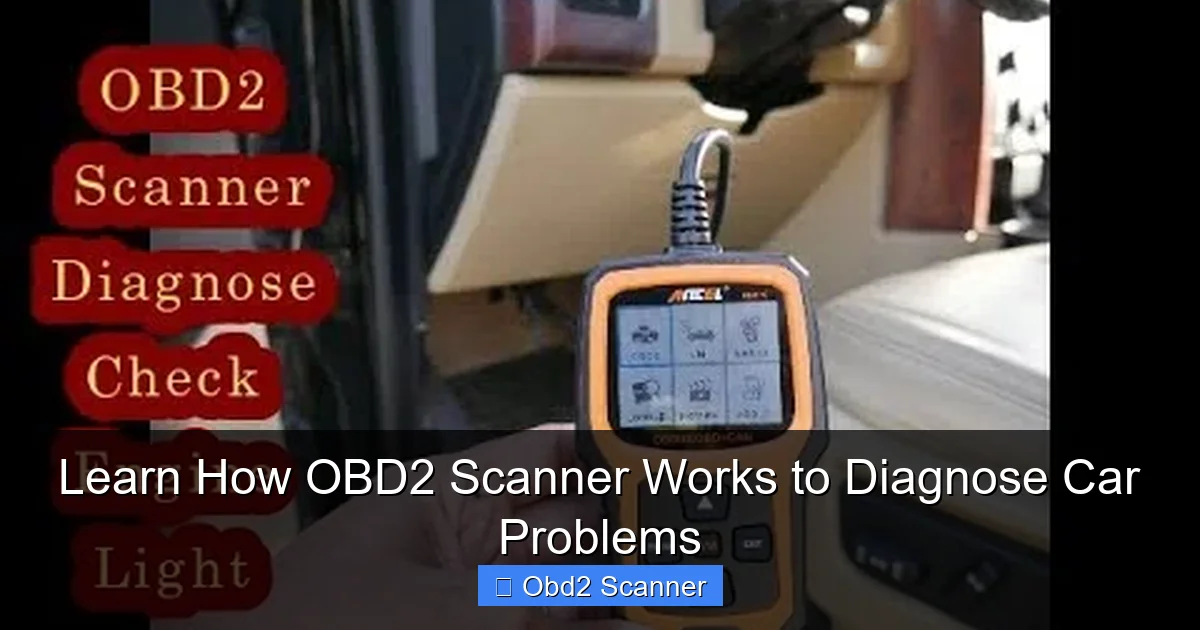
First, know what OBD2 is. OBD2 stands for On-Board Diagnostics, second generation. It is a system in cars that reports emissions and engine faults. The car computer stores codes when a sensor or system fails. An OBD2 scanner reads those codes. In short, this tells you what needs attention. Knowing how obd2 scanner works starts here.
Visual guide about Learn How OBD2 Scanner Works to Diagnose Car Problems
Image source: i.ytimg.com
What the scanner can do
- Read Diagnostic Trouble Codes (DTCs).
- Show live sensor data like RPM and temperature.
- Display freeze frame data (snapshot when a fault occurred).
- Clear codes and turn off the check engine light.
- Sometimes run advanced tests for certain vehicles.
Step 2: Locate the OBD2 port
Most cars made after 1996 have an OBD2 port. It is standard. Find it under the dash near the steering column. It can be on the left or right. It may be covered by a small panel. Use a flashlight if the area is dark. Knowing the port is key to see how obd2 scanner works when it connects to the car.
Visual guide about Learn How OBD2 Scanner Works to Diagnose Car Problems
Image source: d2hucwwplm5rxi.cloudfront.net
Common port locations
- Under the steering wheel.
- Near the fuse box.
- Behind a small trim panel.
- Near the center console on some models.
Step 3: Choose the right OBD2 scanner
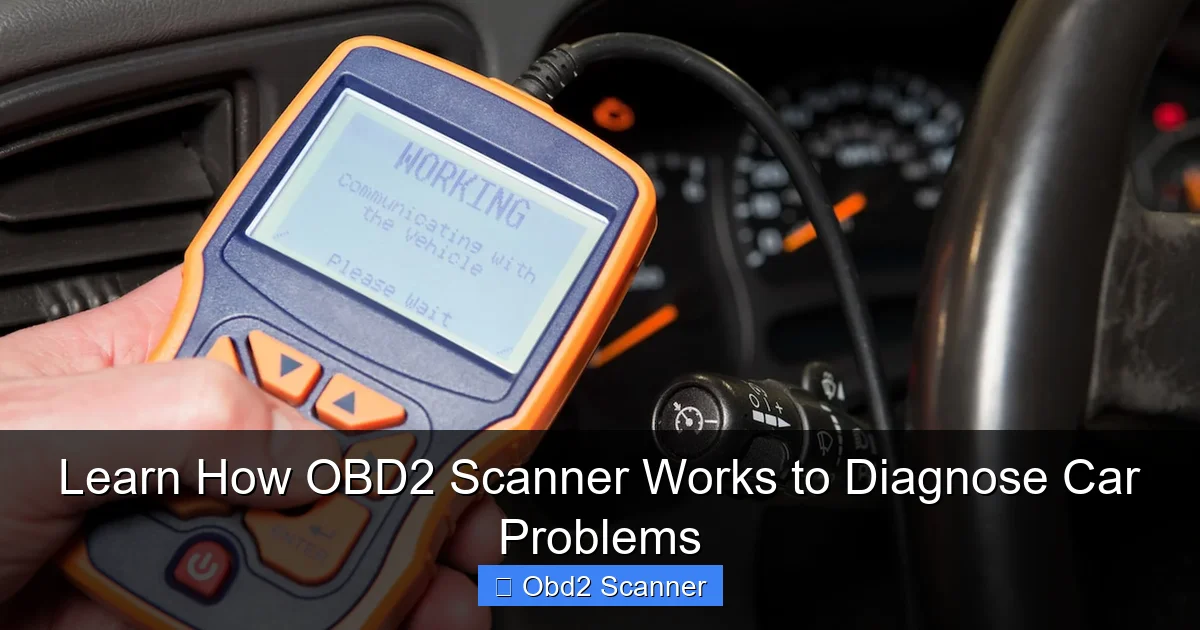
There are many scanners. Basic code readers show codes and clear them. Mid-range scanners show live data and freeze frames. Advanced scanners can do manufacturer-specific tests and ABS or airbag checks. Pick one that fits your need and budget. Knowing how obd2 scanner works helps pick the right tool.
Visual guide about Learn How OBD2 Scanner Works to Diagnose Car Problems
Image source: repairsmith-prod-wordpress.s3.amazonaws.com
Types of scanners
- Bluetooth OBD2 adapters — cheap and use a phone app.
- Handheld scanners — easy to use and portable.
- Professional scan tools — for shops and deep diagnostics.
Step 4: Connect the scanner
Turn off the car first. Plug the scanner into the OBD2 port. The connector only fits one way. If you use a Bluetooth adapter, plug it in and pair with your phone app. If you use a handheld scanner, the device will power on from the car when you open the ignition. This step shows clearly how obd2 scanner works when data starts flowing.
Sub-steps to connect
- Park the car and set the parking brake.
- Turn off accessories and the engine.
- Plug the cable or adapter into the OBD2 port.
- Turn the ignition to ON (do not start the engine) to power the scanner.
- If using Bluetooth, open your app and connect to the adapter.
Step 5: Power on and initialize the scanner
On a handheld unit, the screen lights up. On a phone app, the app shows “connected.” The scanner asks for vehicle details sometimes. Enter year, make, model if asked. The scanner will read the vehicle’s modules. This is the point you see how obd2 scanner works as it pulls data from the car computer.
What the scanner reads first
- VIN (if supported).
- ECU IDs and module lists.
- Stored and pending DTCs.
Step 6: Read Diagnostic Trouble Codes (DTCs)
Ask the scanner to read codes. The tool shows codes like P0301 or P0420. Each code has a meaning. The scanner may also give a brief description. Write down the codes. You will use them to diagnose the issue. This step explains clearly how obd2 scanner works to show you the car’s problems.
Interpreting codes
- P-codes are powertrain codes (engine and transmission).
- B-codes are body codes (airbags, climate control).
- C-codes are chassis codes (ABS, traction).
- U-codes are network codes (communication between modules).
Step 7: Use code definitions and resources
Look up the code definitions. Use the scanner’s database or an online code chart. Many apps give likely causes and fixes. Use service manuals for exact repairs. Keep in mind some codes point to symptoms, not root cause. Learning how obd2 scanner works helps you trace a symptom to its cause.
Example codes and what to check
- P0301 — Cylinder 1 misfire. Check spark plug, coil, injector, and compression.
- P0420 — Catalyst efficiency below threshold. Check oxygen sensors and catalytic converter.
- P0171 — System too lean. Check for vacuum leaks and MAF sensor.
Step 8: View live data and freeze frame
Live data shows real-time readings. You can see RPM, speed, temperature, oxygen sensor voltages, and more. Freeze frame shows data when the fault triggered. Use this to find intermittent issues. Watching live data is a key way to learn how obd2 scanner works for dynamic problems.
How to read live data
- Select live data or PID data on the scanner.
- Watch sensors while the engine runs.
- Note values at idle and during acceleration.
- Compare readings to known good values.
Step 9: Run readiness and emission tests
Many scanners show readiness monitors. These tell if emission systems have been checked by the car. If monitors are incomplete, the car may fail an emissions test. Clearing codes may reset monitors. Know this before you clear codes. This is part of learning how obd2 scanner works with respect to emissions tests.
When to check readiness
- After repairs, to ensure monitors complete.
- Before an emissions test.
- When the check engine light is off but you suspect issues.
Step 10: Clear codes and test drive
Once you fix the issue, use the scanner to clear codes. This turns off the check engine light. A test drive is needed. The car must run through drive cycles to reset monitors. If the problem is fixed, the code should not return. Clearing codes is the final step in showing how obd2 scanner works to confirm a repair.
Clearing codes steps
- Record all codes and freeze frame data first.
- Fix the cause of the code.
- Use the scanner to clear DTCs.
- Drive the car until monitors complete.
Practical tips and examples
Use these tips to work faster and smarter with your scanner. They show practical uses of how obd2 scanner works in everyday diagnostics.
- Always write down the codes before clearing them.
- Take photos of live data screens for records.
- Use a basic flow: connect, read codes, check live data, fix, clear, test drive.
- For intermittent issues, check freeze frame and real-time data during a drive.
- Use forums and service manuals for hard-to-find fixes tied to codes.
Real example: Misfire diagnosis
Car shows P0302 (cylinder 2 misfire). Use a scanner to watch cylinder balance and fuel trims. If misfire drops when swapping coil to cylinder 2, the coil is bad. If misfire follows the spark plug, replace the plug. This shows step-by-step how obd2 scanner works in a real fix.
Troubleshooting common scanner problems
Sometimes things go wrong. Here are common issues and quick fixes. They help you understand how obd2 scanner works under real-world conditions.
Scanner won’t power on
- Check the OBD2 connector for damage.
- Try a different vehicle to rule out a dead scanner.
- Check the car’s fuses for the OBD2/ECU power circuit.
Scanner connects but shows no data
- Ensure the ignition is on or the engine is running if required.
- Try another scanner app or a different scanner to test compatibility.
- Some vehicles require a wake-up sequence; follow app prompts.
Wrong or vague codes
- Use live data to confirm the code before replacing parts.
- Look for related codes that might point to the true cause.
- Perform basic checks like vacuum leaks, wiring, and connectors.
Bluetooth adapter disconnects
- Move your phone closer to the adapter to rule out range issues.
- Check for app updates or phone Bluetooth issues.
- Reset the adapter by unplugging and plugging it back in.
Advanced diagnostics tips
If you want to go deeper, learn to use live data graphs. Log data to review later. Compare values before and after the repair. Use freeze frame to catch conditions that lead to faults. Knowing how obd2 scanner works in advanced ways saves time and money.
When to see a professional
- Codes point to complex engine or transmission faults.
- Multiple random codes appear with no clear cause.
- Safety systems like airbags or ABS are involved.
Safety reminders
Always work safely. Keep hair and loose clothing away from moving parts. Use gloves and eye protection. Do not work under a car without proper supports. When running the engine for live data, be careful around hot parts. Safety helps you use your scanner smartly while learning how obd2 scanner works.
Conclusion
You now know the basics of how obd2 scanner works. You can find the port, pick a scanner, connect, read codes, and use live data. You can clear codes and verify repairs. You also know common troubleshooting steps. Practice these steps. Start with simple codes and grow your skills. A scanner saves time and money. It gives you control and confidence when your car has a problem.
🎥 Related Video: How to Use an OBD-II Scan Tool
📺 Car and Driver
With car computers doing so much heavy lifting these days, knowing how to use a hand-held scanning tool to communicate with it …
