
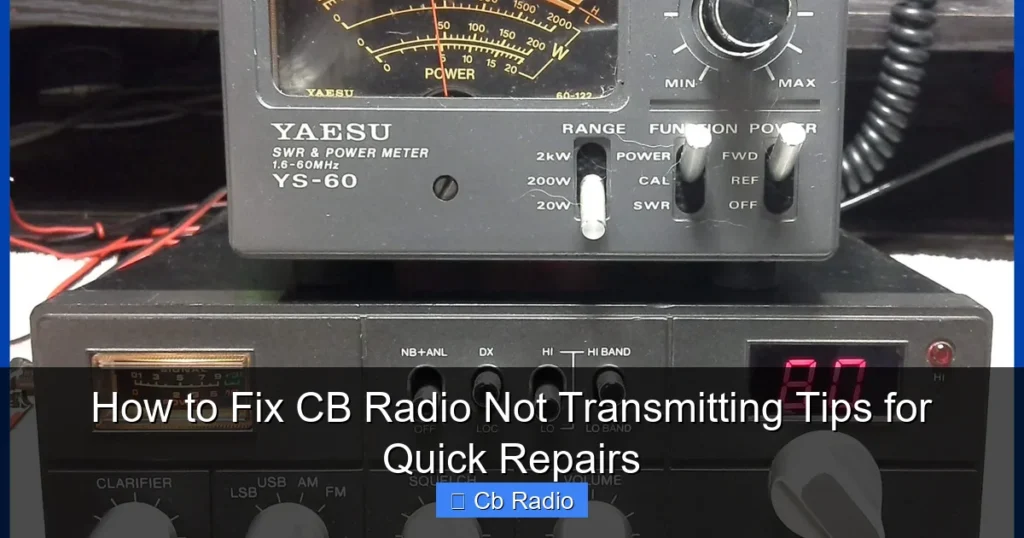
Having trouble with your CB radio not transmitting? This guide offers simple, effective fixes to get your radio working again quickly. From checking connections to antenna issues, you’ll find easy tips to troubleshoot and repair your CB radio transmission problems.
Key Takeaways
- Check Power Supply: Ensure your CB radio is properly powered and fuse is intact.
- Inspect Microphone and Connections: Faulty mics or loose cables often cause transmission failure.
- Test the Antenna System: A damaged or mismatched antenna can block transmissions.
- Verify SWR Levels: High Standing Wave Ratio harms transmission quality and can damage your radio.
- Try a Simple Reset: Restarting or resetting the radio can fix minor glitches.
- Understand Common Internal Issues: Internal circuit faults may require professional repair.
- Practice Regular Maintenance: Prevent issues by keeping equipment clean and connections tight.
Quick Answers to Common Questions
Why is my CB radio not transmitting but receiving clearly?
This is often caused by issues with the microphone, power supply, or antenna. The radio can receive signals but can’t send due to these faults.
How do I test if my microphone is working properly?
Try using a different microphone or test your current mic on another radio. Also, check the mic cable and connector for damage or dirt.
What does a high SWR reading mean for my CB radio?
High SWR means your antenna system is not efficiently transmitting signals, causing reflections that can damage your radio and reduce transmission power.
Can a blown fuse cause my CB radio to stop transmitting?
Yes, a blown fuse can cut off power to the transmitter section, preventing your CB radio from sending signals.
When should I take my CB radio to a professional for repairs?
If basic troubleshooting doesn’t fix transmission issues and you suspect internal circuit problems, it’s time to consult a professional technician.
📑 Table of Contents
- How to Fix CB Radio Not Transmitting Tips for Quick Repairs
- 1. Check Your Power Supply First
- 2. Examine the Microphone and Connections
- 3. Inspect the Antenna and Cable
- 4. Measure and Lower Your SWR (Standing Wave Ratio)
- 5. Perform a Simple Radio Reset and Settings Check
- 6. When to Seek Professional Repairs
- Tips for Preventing Future Transmission Problems
- Conclusion
How to Fix CB Radio Not Transmitting Tips for Quick Repairs
CB radios are essential tools for communication, whether you’re on the road, at a job site, or enjoying a hobby. But nothing’s more frustrating than when your CB radio suddenly stops transmitting. If you’ve ever pressed the push-to-talk button and heard nothing on the other end, you know how critical it is to fix the problem fast. Luckily, most transmission issues are simple to diagnose and repair with a little know-how.
In this guide, we’ll walk you through the common reasons why your CB radio might not be transmitting and provide easy-to-follow steps to get it back on the air. Whether you’re a seasoned user or new to CB radio, these tips will help you troubleshoot effectively and avoid costly repairs.
1. Check Your Power Supply First
Verify the Battery and Power Source
Many transmission problems stem from inadequate power. Start by checking that your CB radio is receiving proper voltage. If you’re using a vehicle’s 12V supply, make sure the ignition is on and the power cable is securely connected. For base stations, confirm the power adapter is plugged in and functioning correctly.
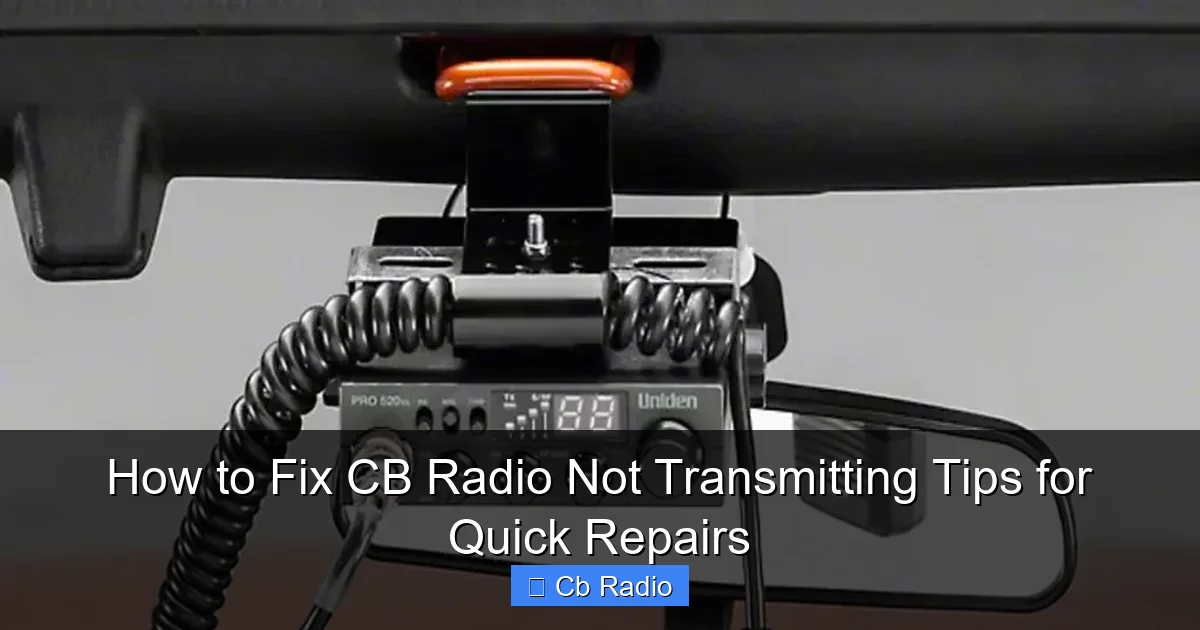
Visual guide about How to Fix CB Radio Not Transmitting Tips for Quick Repairs
Image source: radiopicker.com
Inspect the Fuse
CB radios often have a fuse to protect the circuitry. A blown fuse can cut power and prevent transmission. Locate the fuse holder, usually near the power cable, and check if the fuse is intact. Replace it with the same rating if it’s blown. This simple step often resolves power-related transmission issues.
2. Examine the Microphone and Connections
Test the Microphone
The microphone is your voice’s gateway to the radio waves. If your CB radio is not transmitting, the mic might be faulty. Inspect the microphone cable for cuts or damage. Try plugging in another mic if you have one, or test your mic on a different radio to confirm if it’s working.
Check the Microphone Connector
Loose or dirty microphone connectors can prevent proper transmission. Unplug the mic and clean the contacts gently with electronic cleaner or a soft cloth. Reinsert firmly to ensure a good connection.
3. Inspect the Antenna and Cable
Look for Physical Damage
The antenna is critical for sending your signal out. Check the antenna for obvious damage such as dents, bends, or corrosion. Even the mounting bracket and base should be secure and free from rust.
Test the Antenna Cable
Damaged coaxial cables can cut off transmission. Inspect the entire length for cracks, cuts, or kinks. Replacing a worn cable often restores transmission quality immediately.
Try a Different Antenna
If possible, swap your antenna with a known working one. This test helps you know if the antenna is the problem. Sometimes, antennas simply wear out or get misaligned and need replacement.
4. Measure and Lower Your SWR (Standing Wave Ratio)
What is SWR and Why It Matters
SWR measures how efficiently your antenna system transmits your signal. High SWR means more signal is reflected back to your radio, reducing transmission power and potentially damaging the radio’s final amplifier stage.
Using an SWR Meter
Connect an SWR meter inline between your radio and antenna. Transmit briefly on a clear channel and read the SWR value. Ideally, your SWR should be below 1.5. Values above 2.0 indicate a problem.
How to Fix High SWR
- Adjust your antenna length if it’s adjustable.
- Check antenna placement; avoid metal obstructions near the base.
- Ensure all connections are tight and corrosion-free.
- Replace damaged cables or connectors.
5. Perform a Simple Radio Reset and Settings Check
Reset the Radio
Sometimes, your CB radio just needs a quick reset. Turn it off, unplug it for a few minutes, then power it back on. This can clear internal glitches that affect transmission.
Check Channel and Mode Settings
Make sure your radio is set to the correct channel and that the microphone gain and RF power are properly adjusted. Low RF power or muted settings can seem like the radio isn’t transmitting.
6. When to Seek Professional Repairs
Internal Circuit Issues
If you’ve gone through the basics and your CB radio still won’t transmit, there might be internal component failures. These could include blown transistors, faulty amplifier stages, or circuit board damage.
Finding a Repair Technician
Look for certified radio repair shops or technicians who specialize in CB radios. Attempting to fix internal electronics without experience can cause further damage. A professional can diagnose and replace faulty parts safely.
Tips for Preventing Future Transmission Problems
- Regularly Inspect Equipment: Check cables, connectors, and antenna frequently.
- Keep Equipment Clean: Dust and moisture can cause corrosion and poor connections.
- Use High-Quality Components: Invest in good antennas and cables for reliable transmission.
- Store Properly: Protect your radio from extreme temperatures and moisture.
- Practice Proper Use: Avoid pressing the push-to-talk for too long; give the radio breaks to cool down.
Conclusion
Fixing a CB radio that is not transmitting can be straightforward if you follow these practical steps. Start with the basics—check power, microphone, and antenna—before moving on to more technical troubleshooting like measuring SWR or resetting settings. Most problems are due to simple issues like loose connections or damaged antennas, which you can fix yourself.
However, if internal faults are suspected, it’s best to consult a professional. With regular maintenance and proper care, your CB radio will serve you well and keep you connected when it counts. Happy communicating!
Frequently Asked Questions
What is the most common reason a CB radio stops transmitting?
The most common causes are power issues, faulty microphones, or antenna problems. Checking these first can often resolve transmission failures quickly.
How do I check the antenna on my CB radio?
Inspect the antenna for visible damage, test the coaxial cable for cuts or kinks, and measure SWR using a meter to ensure proper antenna tuning.
Is it safe to use any microphone with my CB radio?
While many microphones are compatible, using the manufacturer-recommended mic ensures proper connections and functionality to avoid transmission issues.
Can weather affect my CB radio’s transmission?
Yes, extreme weather like heavy rain or snow can affect antenna performance and signal quality, sometimes causing transmission problems.
What maintenance should I perform on my CB radio?
Regularly check and clean connectors, inspect cables and antenna, replace worn parts, and keep the radio dry and dust-free to ensure reliable transmission.
Why does my CB radio transmit weakly even when it seems to be working?
Weak transmission can result from high SWR, damaged antennas, low power settings, or internal radio issues. Addressing antenna problems usually improves signal strength.