

Learn how to install car stereo with a simple, step-by-step plan. This guide walks you through tools, wiring, mounting, testing, and common fixes so you can upgrade your sound like a pro.
Contents
- 1 Key Takeaways
- 2 Introduction: What you’ll learn
- 3 Step 1: Prepare tools, parts, and your workspace
- 4 Step 2: Disconnect the battery and remove the old stereo
- 5 Step 3: Prepare the new stereo and wiring harness
- 6 Step 4: Wire power, ground, and speakers
- 7 Step 5: Test the stereo before final mounting
- 8 Step 6: Mount the stereo cleanly
- 9 Step 7: Reinstall dash panels and finalize setup
- 10 Step 8: Add optional upgrades (amps, subwoofers, cameras)
- 11 Practical tips and examples
- 12 Troubleshooting: Fix common problems
- 13 Safety and best practices
- 14 Final checklist before you call it done
- 15 Conclusion: You can do this
- 16 Author
Key Takeaways
- Point 1: Gather the right tools and parts first to save time and avoid errors.
- Point 2: Disconnect the battery and follow a clear wiring plan for safety.
- Point 3: Use proper dash kits and harness adapters to fit and protect your install.
- Point 4: Test the stereo before final mounting to spot wiring or ground issues early.
- Point 5: Keep wiring secure and insulated to prevent shorts and interference.
- Point 6: Use the troubleshooting tips to fix common problems like no power or weak sound.
Introduction: What you’ll learn
This guide shows you how to install car stereo in eight easy steps. You will learn to choose gear, remove the old unit, wire the new one, and finish like a pro. The steps are clear. The language is simple. You do not need prior expert skill.
Follow each step slowly. Check the tools list first. Work safely. By the end, you will know how to install car stereo neatly and reliably.
Step 1: Prepare tools, parts, and your workspace
Good prep makes a quick job. Before you begin learning how to install car stereo, gather all tools.
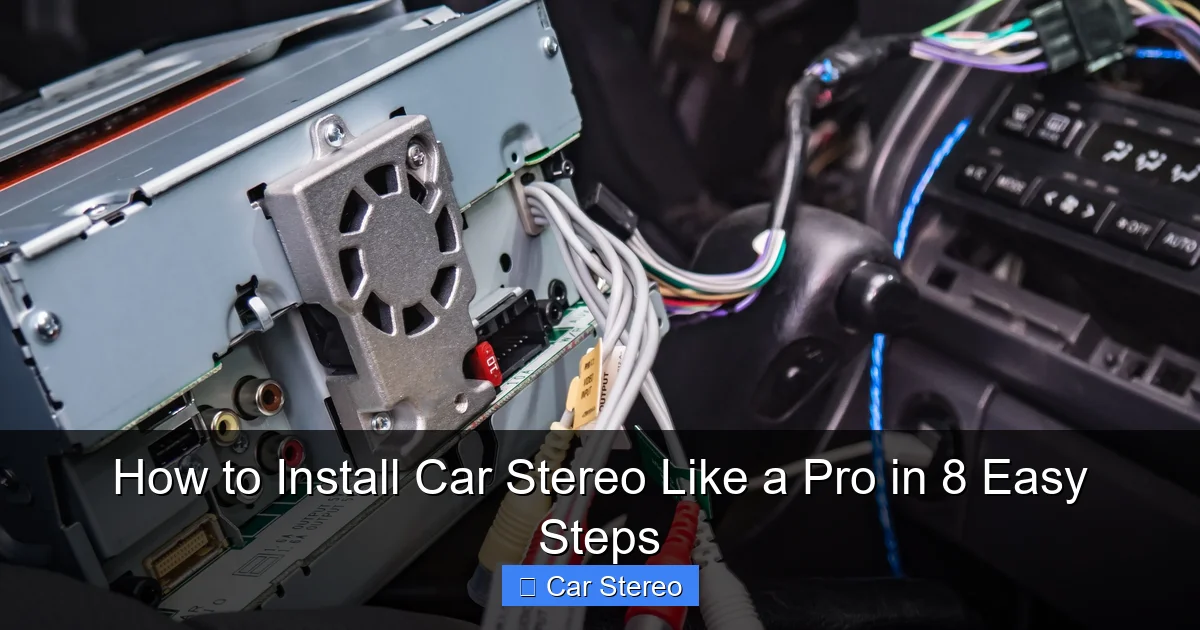
Visual guide about How to Install Car Stereo Like a Pro in 8 Easy Steps
Image source: i2.wp.com
Tools and parts checklist
- Trim removal tools and screwdrivers
- Wire strippers and crimpers
- Soldering iron or butt connectors
- Multimeter for checks
- Dash kit and pocket or mounting sleeve
- Wiring harness adapter and antenna adapter
- Electrical tape and zip ties
- New stereo unit and manual
Prep the car
Park on level ground. Turn the car off. Put the keys aside. Clear space around the dash. A tidy area speeds the process and prevents lost screws.
If you are learning how to install car stereo, reading the new stereo manual now helps. Find wiring colors and pinouts in the book.
Step 2: Disconnect the battery and remove the old stereo
Safety first. To learn how to install car stereo, start by disconnecting the negative battery terminal. This prevents shorts and keeps the car safe.
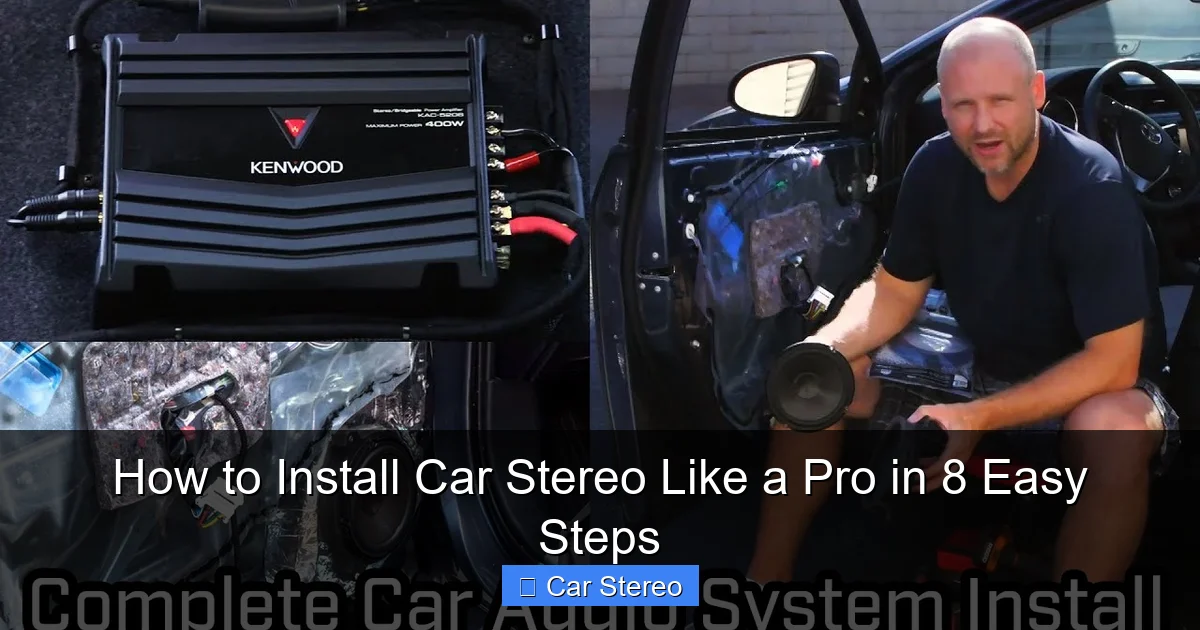
Visual guide about How to Install Car Stereo Like a Pro in 8 Easy Steps
Image source: i.ytimg.com
Remove trim and faceplate
Use trim tools to pry panels gently. Work slowly. Keep clips safe. Remove the fascia around the stereo so you can access mounting screws.
Unbolt the stereo and unplug wiring
Undo mounting screws. Slide the unit out. Unplug the harness, antenna, and any AUX or USB leads. Note how wires were connected. A quick photo helps when you learn how to install car stereo.
Step 3: Prepare the new stereo and wiring harness
Match the new unit to your car with a harness adapter. This avoids cutting factory wires. If you are learning how to install car stereo, this step is key.
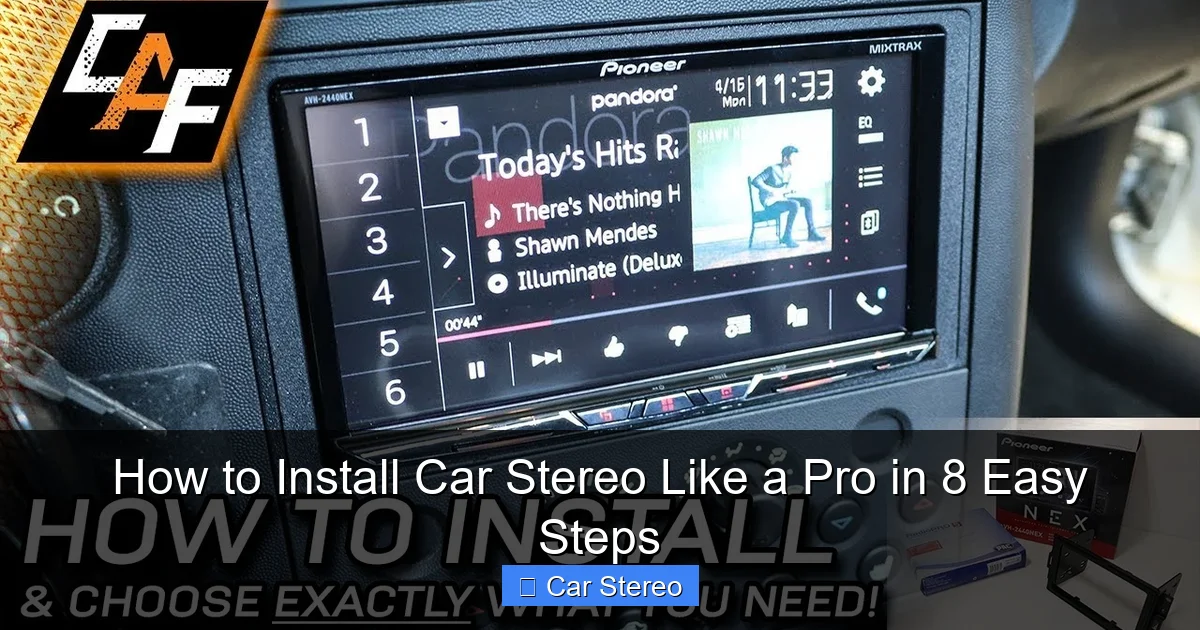
Visual guide about How to Install Car Stereo Like a Pro in 8 Easy Steps
Image source: i.ytimg.com
Identify wiring colors
Most harnesses use common colors: constant 12V (yellow), switched 12V (red), ground (black), speakers (white/gray/green/purple). Confirm in manuals. Mark or group wires for easy work.
Make strong connections
Use crimp connectors, solder, or quality butt connectors. Cover joints with heat shrink or tape. Good connections reduce noise and failures when you learn how to install car stereo.
Step 4: Wire power, ground, and speakers
Wire power first. Attach the constant 12V to memory, switched 12V to ignition key, and ground to a solid metal point. If you are learning how to install car stereo, double-check each color and pin.
Connect speaker wires
Connect left and right, front and rear wires. Keep polarity correct: positive to positive, negative to negative. Wrong polarity causes weak or out-of-phase sound.
Connect remote turn-on
Hook the remote lead to the amp turn-on if you have an amplifier. This allows the amp to power up with the head unit. Missing this makes no amp sound after you learn how to install car stereo.
Step 5: Test the stereo before final mounting
Testing now saves time. If you are learning how to install car stereo, do a full test before you put the unit back in the dash.
Reconnect battery and test functions
Reconnect the negative battery terminal. Turn the stereo on. Check power, radio, CD or USB, Bluetooth pairing, and remote control functions.
Check speakers and sound quality
Play music to test each speaker. Listen for balance and clarity. Check for hum, rattle, or weak channels. If something is wrong, fix wiring before final mounting.
Step 6: Mount the stereo cleanly
Once tests pass, mount the unit. A secure mount prevents noise and movement. This is part of learning how to install car stereo properly.
Use the dash kit and sleeve
Insert the mounting sleeve if your dash needs one. Bend tabs or secure with screws per the kit instructions. Slide the head unit into the sleeve until it clicks.
Tidy wiring behind the dash
Bundle wires with zip ties. Keep speaker wires away from power leads to reduce noise. Insulate bare ends. Good cable management is a sign you know how to install car stereo like a pro.
Step 7: Reinstall dash panels and finalize setup
Reinstall trim carefully. Snap panels back in. Replace screws. A neat finish looks factory-made and shows you know how to install car stereo.
Configure the stereo settings
Set clock, radio presets, sound EQ, and Bluetooth name. Adjust fade and balance. Tune settings to remove hiss or imbalance.
Secure final checks
Drive a short test route. Listen for rattles, static, or power loss. If all is good, you are done. That is how to install car stereo and finish like a pro.
Step 8: Add optional upgrades (amps, subwoofers, cameras)
After you learn how to install car stereo, you may add an amp, sub, or backup camera. These upgrades need extra wiring and planning.
Running power to an amplifier
Use a fused power wire from the battery. Run the wire under the carpet to the amp. Keep the power wire separate from signal RCA cables to avoid noise.
Connecting a camera or steering wheel controls
Camera power often ties to reverse light. Steering wheel controls use an interface module. Read instructions closely so your add-ons work with your new stereo.
Practical tips and examples
Here are quick tips to make the job easy and stable. Each tip helps when you learn how to install car stereo.
- Label wires with tape and a marker. It saves time when you reconnect.
- Take photos of the old stereo before unplugging. Photos help you match wires later.
- Use a fuse tap for clean power if you prefer not to run a new battery wire.
- If the battery disconnect resets settings, keep your radio code or use a memory saver.
- When in doubt, buy a vehicle-specific dash kit and harness adapter. They fit better and save time.
Example: A 2012 compact car often needs a double-DIN sleeve and a special harness. Using the adapter keeps the factory steering wheel controls working and makes the install seamless. This example shows a real case of how to install car stereo with minimal cutting.
Troubleshooting: Fix common problems
Problems happen. These tips help when you learn how to install car stereo and hit a snag.
No power to the stereo
Check battery connection. Verify fuses in the car and inline fuse at the battery or harness. Test for 12V at the red and yellow wires with a multimeter.
Stereo turns on but no sound
Check speaker wires for correct connection and polarity. Test the speakers individually with a portable source. Loose or reversed speaker wires cause no or bad sound.
Radio reception is poor
Ensure the antenna adapter is connected. Check the antenna mast and ground. If you added an amplifier or new head unit, a weak antenna connection can drop reception.
Static, hum, or noise
Move RCA cables away from power wires. Ground loops cause hum. Ensure amp remote and ground are solid. A bad ground often causes low-frequency hum.
Steering wheel controls don’t work
Use a compatible interface module. Program per the interface manual. Make sure the adapter’s wiring matches both the car and the new stereo.
Safety and best practices
Follow safety rules when you learn how to install car stereo. Short sentences. Clear steps. No rush.
- Always disconnect the battery before cutting or splicing wires.
- Use secure, fused connections for battery power.
- Keep wiring away from moving parts and sharp edges.
- Label and protect all wire joints with heat shrink or tape.
Final checklist before you call it done
Run through this quick list. It helps confirm you learned how to install car stereo completely.
- Stereo powers on and off with key.
- Sound plays on all channels and is balanced.
- No unexpected noise or electrical issues.
- Trim and panels are secure and even.
- All features (Bluetooth, backup camera, steering controls) work.
Conclusion: You can do this
Now you know a clear path for how to install car stereo. The steps are simple: prepare, remove, wire, test, mount, and finish. Take your time. Use the tips. Test well.
With the right tools and care, you can install a new stereo that looks and sounds great. You can do this safely and smartly. Enjoy your new sound and the confidence of knowing how to install car stereo.
🎥 Related Video: Step-by-step Guide on How to Install a New Head Unit
📺 Supercheap Auto
DIY FRIDAY 🛠️! Upgrade your ride with our step-by-step guide on how to install a new head unit for better sound and …
