

Is OBD2 scanner worth it for you? This guide answers that clearly. You will learn what an OBD-II scanner does, how to pick one, and how to use it to save time and money. Simple steps, real tips, and troubleshooting.
Contents
- 1 Key Takeaways
- 2 Introduction
- 3 What is an OBD-II scanner?
- 4 Step 1: Decide your main goal
- 5 Step 2: Learn the types of OBD2 scanners
- 6 Step 3: Check compatibility
- 7 Step 4: Pick the features you need
- 8 Step 5: Compare prices and value
- 9 Step 6: Where to buy and what to look for
- 10 Step 7: How to use an OBD-II scanner (step-by-step)
- 11 Practical examples
- 12 Troubleshooting common scanner issues
- 13 Maintenance and storage
- 14 When an OBD-II scanner may not be worth it
- 15 Final decision guide: simple checklist
- 16 Conclusion
- 17 Author
Key Takeaways
- Point 1: An OBD-II scanner gives quick, clear fault codes so you can diagnose many car problems yourself.
- Point 2: Basic scanners are cheap and useful. More advanced models add live data and advanced diagnostics.
- Point 3: Knowing common codes can save repair costs and avoid unnecessary shop visits.
- Point 4: For DIYers and frequent drivers, the cost often pays back fast.
- Point 5: For rare drivers or leased cars, rental or shop diagnostics may be better than ownership.
- Point 6: Read compatibility and features carefully before buying.
Introduction
This guide answers one clear question: is obd2 scanner worth it for car owners today. You will learn what an OBD-II scanner does. You will see how to pick the right model. You will get step-by-step usage instructions. You will get practical tips and common troubleshooting steps. The tone is simple. The steps are short. This will help you decide fast.
What is an OBD-II scanner?
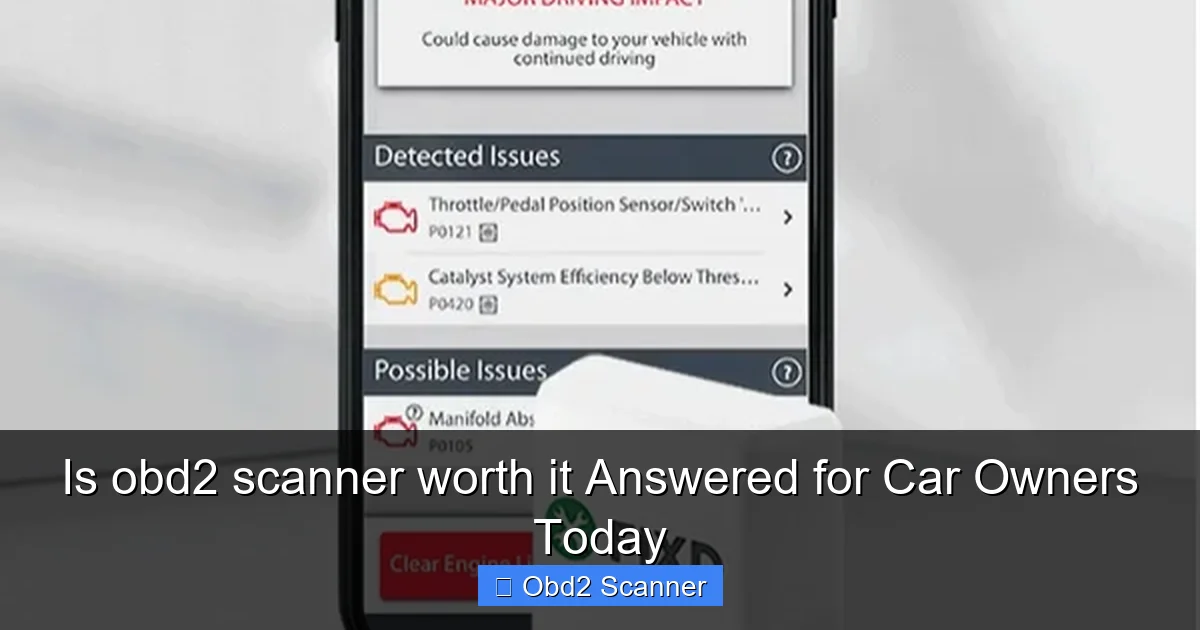
An OBD-II scanner reads data from your car’s computer. It shows trouble codes. These codes point to systems that need attention. It can show live data like engine RPM, coolant temp, and fuel trims. Most cars made after 1996 in the US use OBD-II. So the scanner works on many vehicles.
Visual guide about Is obd2 scanner worth it Answered for Car Owners Today
Image source: lh7-rt.googleusercontent.com
Why people ask “is obd2 scanner worth it”?
People want to know if a scanner is a good buy. They think about cost, usefulness, and ease of use. They wonder if the scanner will really save time and money. This guide makes that clear. You will learn who benefits most. You will learn which scanner to choose.
Step 1: Decide your main goal
Ask yourself simple questions. Do you want to clear check engine lights? Do you want to do full diagnostics? Do you plan to DIY repairs? Your answer guides your choice.
Visual guide about Is obd2 scanner worth it Answered for Car Owners Today
Image source: edtittel.com
Basic use
- Read and clear check engine light codes.
- Quick check before a repair shop visit.
Advanced use
- View live data streams.
- Record data for later analysis.
- Run advanced tests on ABS, airbags, or transmission (depends on scanner).
Knowing your goal answers is obd2 scanner worth it for your needs.
Step 2: Learn the types of OBD2 scanners
There are three main types. Each type fits a different need. Match the type to your goal.
Visual guide about Is obd2 scanner worth it Answered for Car Owners Today
Image source: foxwelldiag.com
Bluetooth dongles + smartphone apps
They are small and cheap. They plug into the car’s OBD-II port. They pair with a phone app. They cover most basic codes. They may show live data. They are great for casual users. If you wonder is obd2 scanner worth it and you only need basics, this type is a good pick.
Handheld code readers
They look like small gadgets with a screen. They are plug-and-play. They display codes and descriptions. Many can clear codes. They are reliable and simple. Good for people who want a tool in the glove box.
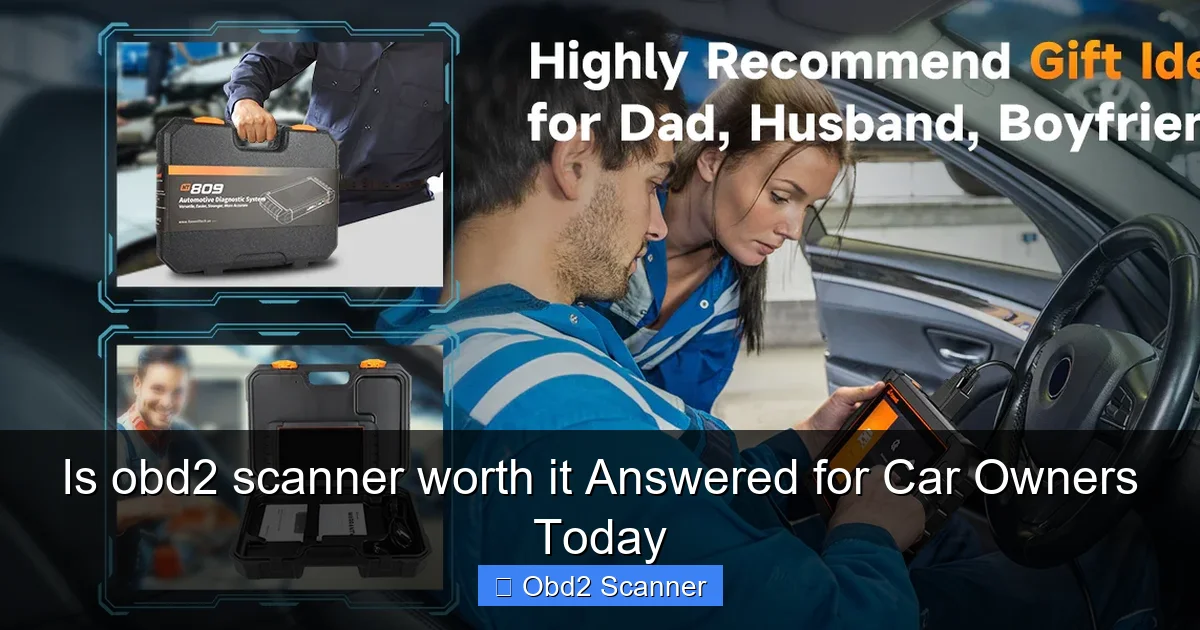
Advanced scan tools
These are larger and pricier. They can access systems beyond the engine. They offer bi-directional controls and advanced tests. They are for pros or serious DIYers. If you plan deep repairs, this type changes the answer to is obd2 scanner worth it.
Step 3: Check compatibility
Not all scanners work with all cars. Most OBD-II scanners work on standard OBD-II protocols. But some vehicles need special support. Check the scanner’s vehicle list or app compatibility before you buy. This step avoids wasted money.
How to check compatibility
- Know your car’s make, model, and year.
- Read the scanner product page.
- Look for specific notes about ABS, SRS, or transmission support.
Step 4: Pick the features you need
Make a short list of must-have features. This keeps the buy simple. Extra features add cost. Only pick what you will use.
Core features to consider
- Read and clear codes (must-have).
- Live data streaming (useful for diagnostics).
- Freeze frame data (shows data at failure moment).
- Emissions readiness monitors (helpful for inspections).
- ABS and SRS reading (needed for some repairs).
- Updates and app support (keeps tool current).
Practical tip
If you mostly want to clear check engine lights, a basic reader or dongle will answer is obd2 scanner worth it in the positive at low cost.
Step 5: Compare prices and value
Scanners range from $20 to $1000+. Don’t buy the cheapest if you need more features. Don’t overspend on pro tools if you only need basics.
Price vs. use case
- $20–$50: Basic Bluetooth dongles and simple code readers. Good for casual users.
- $50–$200: Better handheld readers with live data and more protocols. Good for DIYers.
- $200+: Advanced tools for deep diagnostics. Best for professionals or frequent tinkerers.
Ask: How often will I use it? If you use it yearly, a cheap rental or shop visit might be cheaper. If you use it monthly or for repairs, buying pays off. This helps answer is obd2 scanner worth it for you.
Step 6: Where to buy and what to look for
Buy from trusted sellers. Read user reviews. Look at update policy and warranty. If the app has many good reviews, that is a green sign.
Checklist before buying
- Compatibility confirmed.
- Required features present.
- Good set of reviews.
- Update support included.
- Warranty or return policy exists.
Step 7: How to use an OBD-II scanner (step-by-step)
Using a scanner is easy. Follow these steps. You will see how useful it is fast.
Step 1: Locate the OBD-II port
Find the port under the dash near the driver’s side. It is usually black and trapezoid-shaped. On some cars it’s behind a cover.
Step 2: Turn the ignition on
Put the key in the on position. Do not start the engine unless the instructions say to. Some apps ask to start the engine for live data.
Step 3: Plug in the scanner
Plug the device into the port. If it’s Bluetooth, power on and pair with your phone. If handheld, power it on. Wait for a connection.
Step 4: Read codes
Open the app or follow the device menu. Choose “Read Codes.” The scanner lists codes and a brief description. Write down the codes or take a photo of the screen.
Step 5: Interpret codes
Basic codes have a code and a short text. Use an online code database for details. The code points to a system or part. It does not always name the exact failed part. Use live data and simple tests to narrow the problem.
Step 6: Clear codes (optional)
You can clear codes after repairs. Clearing can turn off the check engine light. If the issue is not fixed, the light may return. Clearing codes will also clear freeze frame and readiness monitors, which may affect emissions testing.
Step 7: Use live data for deeper tests
Live data helps find intermittent problems. Watch sensors while the engine runs. Compare sensors to expected ranges. Save logs if the app allows it.
Practical examples
Here are two simple examples to show real value.
Example 1: Loose gas cap
Check engine light comes on. Scanner shows P0456 (small EVAP leak). You check the gas cap. It is loose. Tighten it. Clear the code. Light goes off. Cost: free. Time saved: no shop visit. This answers is obd2 scanner worth it for small, common faults.
Example 2: Faulty oxygen sensor
Scanner shows P0135 (O2 sensor heater circuit). You watch live data. The oxygen sensor readings are stuck. You replace the sensor. Problem fixed. You avoided guessing parts. Cost saved: avoided trial-and-error. This shows clear value for DIY repairs.
Troubleshooting common scanner issues
Sometimes things go wrong. Here are simple fixes.
Scanner won’t connect
- Ensure ignition is in the correct position.
- Check that the port pins are clean and not damaged.
- For Bluetooth, unpair and pair again. Reboot the phone.
- Try another app if the original app does not connect.
Scanner shows no codes but light is on
- Some codes are pending. Drive the car to meet readiness conditions, then read again.
- A manufacturer-specific code might not show on a basic scanner.
- Try a more advanced scanner or visit a shop if the light stays on.
Codes are vague or confusing
- Use online code lookups for clearer explanations.
- Cross-check with live data to pinpoint the problem.
- If unsure, ask a mechanic with the exact code and data you captured.
App crashes or has bugs
- Update the app and the scanner firmware if available.
- Try a different smartphone or a different app.
- Contact the seller for support or a replacement.
Maintenance and storage
Keep the scanner clean and dry. Store it in a case. Update its app regularly. For handheld tools, check battery health. Firmware updates add car coverage. That keeps the tool useful and extends its life.
When an OBD-II scanner may not be worth it
There are cases where ownership may not pay off.
- You drive very little and rarely get warning lights. Occasional shop scans might be cheaper.
- You lease a car with strict dealer service rules. Dealer-only diagnostics might be required.
- You don’t want to learn or use the tool. If you always prefer a mechanic, ownership adds little value.
Weigh your driving habits and DIY interest. This helps answer is obd2 scanner worth it for your situation.
Final decision guide: simple checklist
Answer yes or no to each line. If you answer yes to most, buying is likely worth it.
- Do you want to diagnose check engine lights yourself?
- Do you do some DIY repairs?
- Do you want to avoid needless mechanic visits?
- Do you plan to use it more than a few times a year?
- Do you own an older car that may show more codes?
If most answers are yes, then is obd2 scanner worth it will likely be yes for you.
Conclusion
So, is obd2 scanner worth it? For many car owners, yes. It saves time and money. It helps you understand car issues fast. It prevents unnecessary repairs. For casual drivers or those who never want to touch diagnostics, it may not be worth buying. Choose a scanner that matches your goals. Start with an affordable model if you are unsure. Use the steps above to pick, buy, and use your scanner. You will make smarter car decisions. You will feel more confident. That is the real value.
🎥 Related Video: Cheap vs Expensive OBD2 Scanners – One Stood Out!
📺 Project Farm
Brands: Foxwell, Autophix, Autel, Ancel, Motopower, Launch Creader, LeeKooLuu. Code readers/scanners compared for overall …
