

Will any OBD2 scanner work on my car? This guide shows you how to check compatibility, choose the right tool, and use it step by step. Simple checks and clear steps will get you scanning today.
Contents
- 1 Key Takeaways
- 2 Introduction: What you will learn
- 3 Step 1: Know your car
- 4 Step 2: Understand OBD2 protocols
- 5 Step 3: Know the scanner types
- 6 Step 4: How to check compatibility before buying
- 7 Step 5: How to use an OBD2 scanner step by step
- 8 Step 6: Features to look for
- 9 Step 7: Practical examples
- 10 Troubleshooting: Common issues and fixes
- 11 Deciding factors: Should you buy or borrow?
- 12 Cost vs. capability
- 13 Safety and best practices
- 14 Quick checklist before you buy
- 15 Answering the core question
- 16 Conclusion
- 17 Author
Key Takeaways
- Point 1: Not all scanners work with every car. Check the connector and protocol first.
- Point 2: Most cars from 1996 onward use OBD2, but region and make matter.
- Point 3: Choose scanner features based on need: basic codes, live data, or manufacturer functions.
- Point 4: Wireless adapters need compatible apps and phone OS versions.
- Point 5: Read specs and supported protocols before you buy.
- Point 6: Troubleshoot common connection problems with simple steps.
Introduction: What you will learn
This guide answers the real question many car owners ask: will any obd2 scanner work on my car? You will learn how to check if a scanner will work. You will learn which scanner types match which cars. You will learn how to connect, read codes, and fix common problems. The steps are clear. The language is simple. You can follow along even if you are new to OBD2 tools.
Step 1: Know your car
Start with basic facts. These facts tell you if an OBD2 tool will work.
Visual guide about Expert Advice will any obd2 scanner work on my car Today
Image source: m.media-amazon.com
Check the model year
In the US, most cars and light trucks made from 1996 onward use OBD2. In Europe, the rule started around 2001 for petrol cars and 2004 for diesel. Other regions follow similar dates. If your car is older, ask if it has OBD2 or an older OBD1 connector.
Find the OBD2 port
The port is usually under the dash, near the steering column. It has 16 pins. If you see it, your car likely supports OBD2.
Check the owner manual
The manual often states OBD2 compliance and the port location. If unsure, a quick web search with your car’s make, model, and year also helps.
Step 2: Understand OBD2 protocols
Even with the right port, scanners must speak the right protocol. That decides if data will flow.
Visual guide about Expert Advice will any obd2 scanner work on my car Today
Image source: allaboutwindowsphone.com
Common protocols
- CAN (Controller Area Network)
- ISO 9141-2
- ISO 14230 (KWP2000)
- SAE J1850 PWM and VPW
Most modern cars use CAN. Some older models use other protocols. Always check scanner specs for supported protocols.
Step 3: Know the scanner types
Scanners range from tiny dongles to pro-grade machines. Pick one that fits your needs.
Visual guide about Expert Advice will any obd2 scanner work on my car Today
Image source: i.ytimg.com
Basic code readers
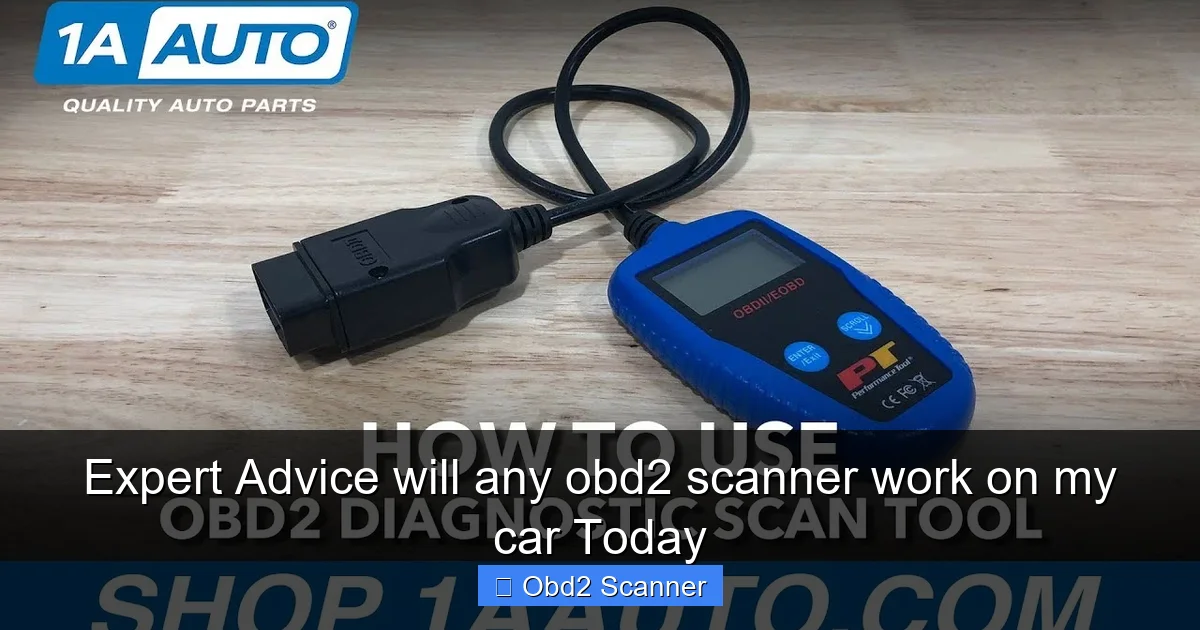
These show stored and pending codes. They clear codes. They are cheap. If you only want to read and clear CEL codes, a basic reader often works.
Bluetooth and Wi‑Fi OBD2 adapters
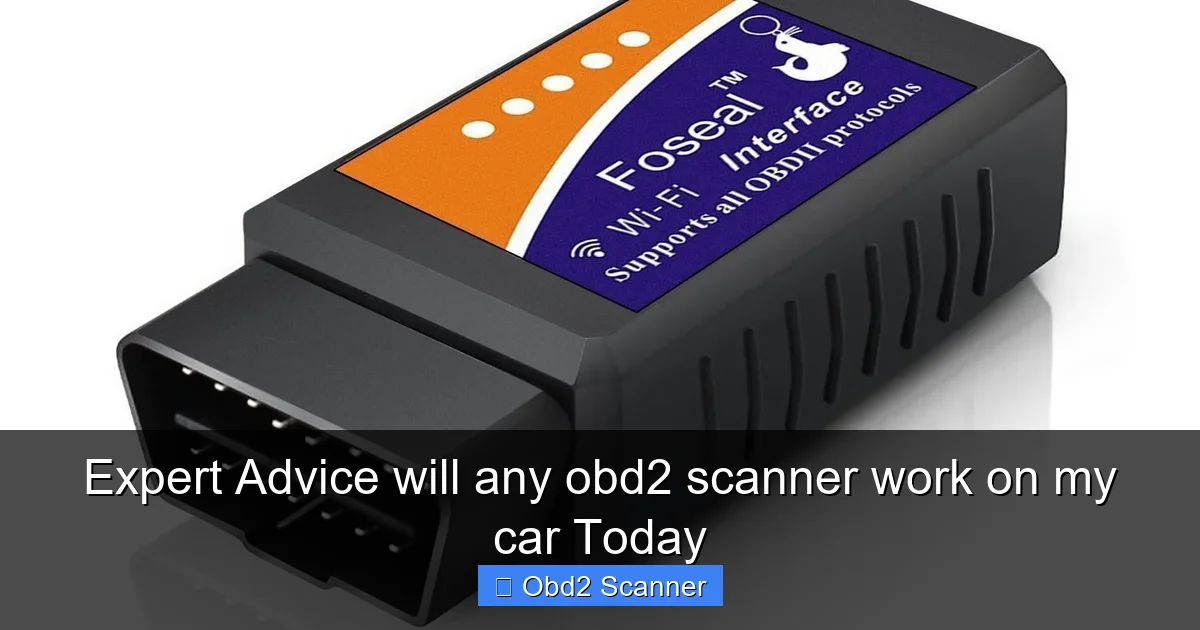
These plug into the port and pair with a phone or tablet. They use apps to show codes and live data. They are great for DIYers. Make sure the adapter supports your phone’s OS. Also check the app’s features.
Advanced scan tools
These read live data, perform special tests, and access manufacturer systems. They cost more. They are needed for diagnostics beyond basic codes.
Manufacturer-specific scanners
Some scanners focus on one brand. They unlock deep functions like module coding and advanced coding. If you need those features, a brand-specific tool may be required.
Step 4: How to check compatibility before buying
Follow these quick steps. They save you time and money.
Read product specs
Check supported protocols and vehicle coverage. Look for explicit statements like “Supports ISO, KWP, CAN, J1850”. That tells you if it will work.
Check OS and app compatibility
For wireless adapters, ensure your phone or tablet works with the app. Check iOS and Android versions. Also check if the app is free or paid.
Look for vehicle coverage lists
Some manufacturers list supported makes and models. Use those lists to confirm compatibility.
Read user reviews
Search reviews for your car model. Other owners often report success or problems. This can be the fastest way to confirm if a specific model works for your vehicle.
Step 5: How to use an OBD2 scanner step by step
These are practical steps you can follow. They work for most scanners.
Step A: Locate and plug in
Find the OBD2 port. Plug the scanner in with the ignition off. The connector fits one way. Do not force it.
Step B: Turn the ignition to ON
Turn the key to the ON position. Do not start the engine unless the tool asks for it. Some scanners need the engine running to read live data.
Step C: Power on and pair
Turn on the scanner. For wireless adapters, pair the device with your phone via Bluetooth or Wi‑Fi. Open the app and connect to the adapter.
Step D: Read codes
Select “Read Codes” or “Scan.” The tool will pull stored and pending codes. Write them down. Look up code meanings in the app or online.
Step E: View live data
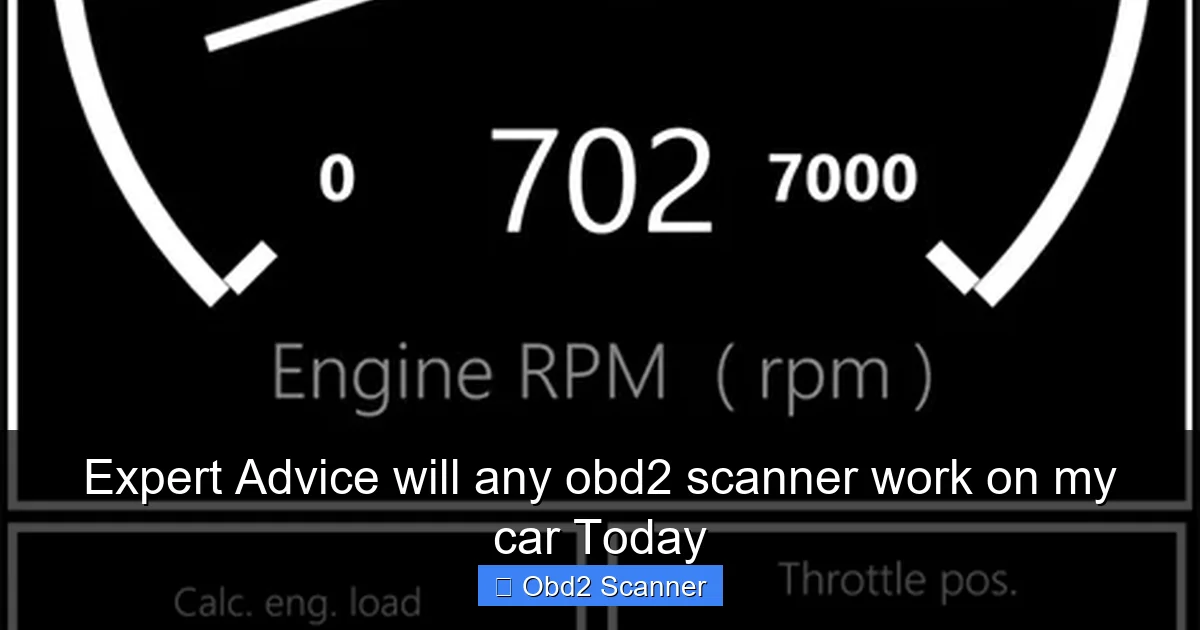
Live data shows sensors in real time. Use it to check fuel trims, RPM, and oxygen sensor values. This helps find causes of persistent issues.
Step F: Clear codes
After repairs, clear the codes. This will turn off the check engine light if the issue is fixed. If the light returns, further diagnosis is needed.
Step 6: Features to look for
Choose features that match your goals. Here are common ones.
- Read and clear codes. This is the minimum.
- Live data and graphing. Good for deeper checks.
- Freeze frame data. Useful for intermittent faults.
- ABS and SRS coverage. Needed if you want safety system codes.
- Manufacturer specific functions. Required for advanced repairs.
- Regular updates. Keeps compatibility current.
Step 7: Practical examples
Here are real scenarios to show how the right tool helps.
Example 1: Basic check engine light
You see a CEL. You ask yourself, “will any obd2 scanner work on my car?” If your car is 2005, most basic readers will work. Plug in. Read the stored code like P0420. Then research the code. You can decide if you need a mechanic.
Example 2: Live data to diagnose misfire
The engine runs rough. A basic reader shows P0301. You need live data to see misfire counts and fuel trims. A scanner with live data helps you pinpoint the bad cylinder.
Example 3: Wireless adapter for road tests
You want to log data while driving. A Bluetooth adapter with a good app records live values. This helps catch issues that only show on the road.
Troubleshooting: Common issues and fixes
Here are frequent problems and easy fixes.
Problem: Scanner won’t connect
Fixes:
- Check the port pins. Clean if dirty.
- Turn ignition to ON.
- Try another app or device.
- Confirm the adapter supports your car’s protocol.
Problem: No data or garbled data
Fixes:
- Try a different protocol setting, if available.
- Use a wired scanner to rule out wireless issues.
- Check for blown fuses related to the diagnostic module.
Problem: Codes clear but light returns
Fixes:
- Don’t just clear codes. Diagnose the root cause.
- Use freeze frame and live data to find the trigger.
- Inspect related parts and sensors for faults.
Problem: Adapter pairs but app won’t connect
Fixes:
- Close and reopen the app.
- Restart the phone and re-pair Bluetooth.
- Ensure the app’s permissions include location and Bluetooth.
Problem: The scanner shows “Not OBD2”
Fixes:
- Confirm vehicle year and region. Older cars may not be OBD2 compliant.
- Some heavy trucks use different systems. Check manufacturer info.
Deciding factors: Should you buy or borrow?
Ask what you will use the tool for. Here are quick rules.
- If you only clear a CEL now and then, a cheap reader is fine.
- If you do regular DIY repairs, buy a more capable scanner with live data.
- If you need deep manufacturer functions, consider brand-specific gear or a pro shop.
- If you want portability and road logging, pick a wireless adapter with a solid app.
Cost vs. capability
Price usually reflects features. Entry-level readers cost less than $50. Mid-range tools with live data are $50–$200. Professional tools cost much more. Choose based on need. Don’t overspend on features you won’t use. But avoid very cheap generic tools that offer no updates or poor support.
Safety and best practices
Follow simple rules for safe scanning.
- Always park safely before scanning. Never scan while driving unless logging is needed and safe.
- Follow the scanner’s instructions. Some tests require the engine running.
- Avoid performing repairs unless you know what to do.
- Keep firmware and apps updated for best compatibility.
Quick checklist before you buy
Use this list to confirm compatibility.
- Does the product list your car’s protocol?
- Does the scanner support your model year and region?
- Is your phone compatible with the app (for wireless adapters)?
- Does it read the systems you need (engine, ABS, SRS)?
- Are updates available? How often?
- Are there positive reviews from owners of your make and model?
Answering the core question
You may still wonder: will any obd2 scanner work on my car? The short answer is: most will work on OBD2-compliant vehicles. The full answer is more detailed. You must match the scanner to the car’s protocol, year, and needs. Basic code readers work for many cars. Advanced features require compatible tools. Wireless adapters need the right app and phone. Always check the specs. If you follow the steps here, you will know before you buy.
Conclusion
Now you know how to answer the question: will any obd2 scanner work on my car? You learned to check the port, protocol, and model year. You learned which scanner types fit each need. You learned how to use a scanner and fix common problems. Use the checklist before you buy. Read reviews and specs. Pick a tool that matches your skills and goals. With the right scanner, you can save time and money. Happy scanning.
🎥 Related Video: How to Use an OBD2 Reader to Check Engine Codes #OBD2 #CheckEngineLight #CarDIY #CarRepair
📺 Justin Hendricks
